

Choosing a container platform before understanding the application can create unnecessary work. A team might spend weeks configuring Kubernetes for a simple web application, while another might select a serverless platform and later discover that its workloads need more control over storage, networking or compute resources.
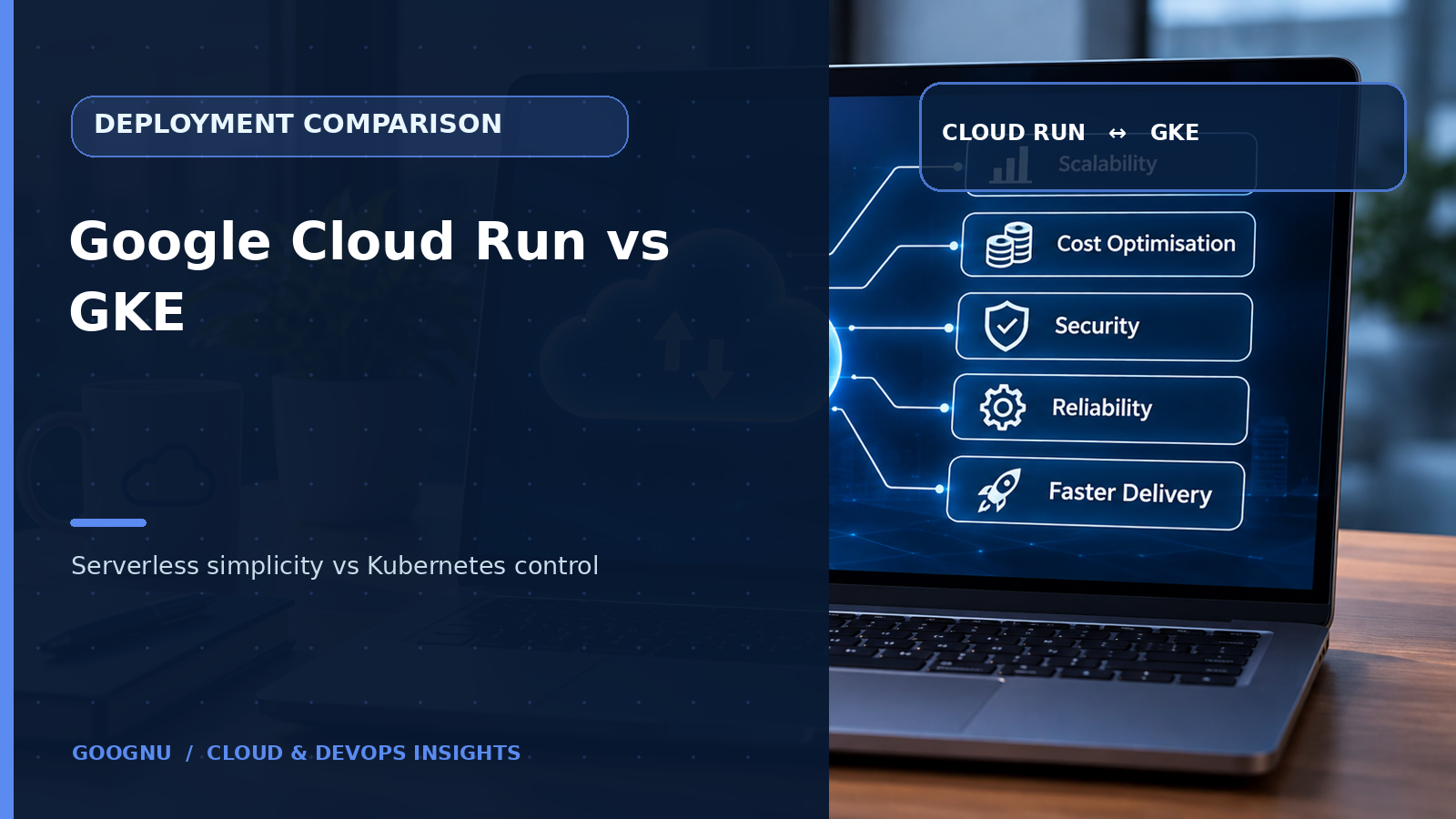
Google Cloud offers two popular options for running containers: Cloud Run and Google Kubernetes Engine (GKE). Both support modern application deployment, but they are designed for different operational needs.
The decision between them becomes easier when you look at your application through five areas: workload behaviour, infrastructure control, scaling, team experience and cost.
Decision 1: Does your application need a managed environment or Kubernetes control?
Start with the amount of infrastructure responsibility your team wants to take on.
Cloud Run is designed for teams that want to run containers without creating or managing a Kubernetes cluster. You provide the application code or container image, configure the service and deploy it. Google Cloud takes care of the underlying infrastructure.
This makes Cloud Run a practical option for development teams that want to spend more time building application features and less time managing deployment environments.
GKE takes a different approach. It provides a managed Kubernetes environment where teams can control how containers are deployed, connected, scaled and monitored. Google manages the Kubernetes control plane, but the level of infrastructure responsibility depends on the operating mode.
GKE offers two main modes:
Autopilot: Google manages more of the cluster infrastructure, including nodes and many operational tasks. Teams can focus more on their workloads.
Standard: Teams have greater control over node infrastructure, configuration and cluster operations.
If your application has straightforward hosting requirements, Cloud Run may be sufficient. If your team needs Kubernetes resources and detailed control over the deployment environment, GKE is worth considering.
Decision 2: What kind of workload are you deploying?
The nature of your application is one of the strongest indicators of which platform will work better.
Consider a business running a customer portal. Users log in, view information, submit forms and access APIs. The application mainly responds to HTTP requests and does not require special infrastructure configurations.
Cloud Run is a natural fit for this type of workload. It supports containerised web services and APIs, and automatically adjusts the number of instances according to demand.
Now consider a different application: a large enterprise platform with multiple interconnected services, persistent storage requirements and specialised networking rules. Its development team needs to configure how workloads communicate, allocate resources and operate within the cluster.
GKE offers the Kubernetes environment needed for this level of control.
The distinction becomes clearer when you look at common workloads:
Cloud Run is worth considering for:
Websites and backend APIs that respond to HTTP requests.
Event-driven applications that process incoming messages.
Independent microservices with straightforward deployment requirements.
Background tasks and scheduled processing through Cloud Run jobs.
GKE is worth considering for:
Complex microservices that need Kubernetes orchestration.
Stateful applications requiring persistent volumes.
Workloads with specific networking and security configurations.
Applications requiring specialised compute resources or Kubernetes ecosystem tools.
A containerised application does not automatically need Kubernetes. The platform should match the application's actual requirements.
Decision 3: How unpredictable is your application traffic?
Traffic patterns can influence both platform selection and infrastructure costs.
A new SaaS product, for example, may receive very few requests during its early months. Traffic could increase suddenly after a marketing campaign or product launch. Paying for a large amount of continuously running infrastructure may not make sense for this type of workload.
Cloud Run can automatically add instances as requests increase and scale down when demand falls. Depending on the service configuration, it can scale to zero when there is no work to process.
This is useful for applications with irregular traffic because teams do not need to maintain capacity for every possible peak.
GKE also supports automatic scaling, but the process involves Kubernetes workloads and cluster capacity.
Teams can use Horizontal Pod Autoscaling to adjust the number of application pods according to resource usage or configured metrics. Cluster autoscaling can add or remove nodes as workload requirements change. In Autopilot, Google manages the underlying node provisioning.
For applications with predictable, continuous workloads, GKE can provide more control over resource allocation. For applications with frequent traffic changes, Cloud Run may reduce the work involved in capacity management.
The important point is to examine both application scaling and infrastructure scaling before making a decision.
Decision 4: How much operational experience does your team have?
The platform also affects the skills your developers and operations teams need.
Cloud Run has a simpler deployment experience. Developers can build a container, store the image in Artifact Registry and deploy it as a service. They can configure environment variables, resource limits, concurrency, networking and other service settings without managing a Kubernetes cluster.
GKE requires familiarity with Kubernetes concepts. Teams generally need to work with:
Pods and deployments.
Kubernetes services and networking.
ConfigMaps and secrets.
Resource requests and limits.
Persistent volumes and storage.
Cluster monitoring, upgrades and security settings.
These capabilities provide greater flexibility, but they also introduce operational responsibilities.
A team with established Kubernetes experience may find GKE a suitable choice. A smaller development team without dedicated platform engineers may prefer Cloud Run for applications that do not need Kubernetes features.
There is also a middle ground. GKE Autopilot reduces some of the infrastructure management involved in running Kubernetes. It does not remove the need to understand Kubernetes workloads, but it makes cluster operations easier.
Decision 5: Which platform fits your actual cloud budget?
Comparing Cloud Run and GKE costs requires more than looking at the price of compute resources.
Cloud Run offers usage-based pricing. Charges depend on the selected billing configuration and the resources consumed by running instances. Its scaling behaviour can help avoid paying for unnecessary capacity when an application receives little traffic.
GKE costs depend on the cluster mode, compute resources, storage, networking and other services used. Standard clusters provide control over node infrastructure, while Autopilot uses a model based on the resources provisioned for workloads. Cluster management fees and applicable infrastructure charges should also be included in estimates.
Think about two different situations.
A small API receives occasional requests throughout the day. Cloud Run may be economical because the application does not need a continuously provisioned cluster.
An enterprise service processes a steady volume of requests around the clock and needs several connected workloads. A properly configured GKE environment may offer better control over resource allocation and operating costs.
Neither platform is automatically cheaper. Estimate costs using realistic traffic, resource consumption, scaling settings and regional pricing before committing to a deployment model.
What if your application needs both platforms?
You do not have to run every application component on the same platform.
A retail business, for example, may have a customer-facing website, product inventory service, recommendation engine and scheduled reporting tasks.
The website and APIs could run on Cloud Run because they are stateless services that respond to customer requests. Scheduled reporting and event-driven processing could also use Cloud Run jobs.
The inventory service may need persistent storage and more detailed workload configuration, making GKE a suitable option. A recommendation engine with specialised compute or complex dependencies could also benefit from Kubernetes.
This hybrid approach allows teams to select a platform for each workload rather than forcing the entire application into one deployment model.
Google Cloud supports this approach using standard container images across both platforms. Teams can also use suitable load balancing and networking configurations to connect services running in different environments.
However, a hybrid setup is not always the right answer. If services communicate frequently and depend heavily on one another, distributing them across platforms may introduce additional networking and operational complexity.
Before deployment, run through this final review
A platform decision should be based on actual technical requirements rather than popularity or assumptions.
Before choosing, check whether:
Your application needs persistent local storage or can use external storage services.
You require Kubernetes-specific features or custom infrastructure settings.
Traffic changes frequently or remains relatively predictable.
Your team has experience managing Kubernetes resources.
The expected monthly cost includes compute, storage, networking and management charges.
Your security, availability and monitoring requirements can be met by the chosen platform.
If the application is simple and primarily stateless, begin by evaluating Cloud Run. If it needs advanced orchestration and infrastructure control, assess GKE. For mixed workloads, consider whether both can work together without making the architecture unnecessarily complicated.
Goognu UK helps businesses evaluate Google Cloud deployment options and plan cloud environments around their application requirements, technical resources and operational goals.
Frequently Asked Questions
1. Can Cloud Run replace GKE?
Cloud Run can replace GKE for applications that do not need Kubernetes-specific features or detailed infrastructure control. However, applications with complex orchestration, persistent workloads or specialised configurations may still need GKE.
2. Is GKE suitable for small applications?
Yes. GKE can run small applications, but managing a Kubernetes environment may introduce unnecessary complexity if the workload has simple hosting requirements. Cloud Run may be easier for such projects.
3. Does Cloud Run support microservices?
Yes. Cloud Run can host independent, containerised microservices that communicate through HTTP or other supported networking methods. GKE may be more suitable when the microservices require complex orchestration or Kubernetes-specific features.
4. What is the difference between GKE Autopilot and Standard?
Autopilot manages more of the underlying cluster infrastructure, including nodes and scaling. Standard gives teams greater control over node configuration and cluster operations.
5. Can a business migrate from Cloud Run to GKE?
Yes. Both platforms use standard container images, which can make workload migration easier. However, teams still need to review deployment configurations, networking, storage, permissions and scaling requirements before moving an application.