

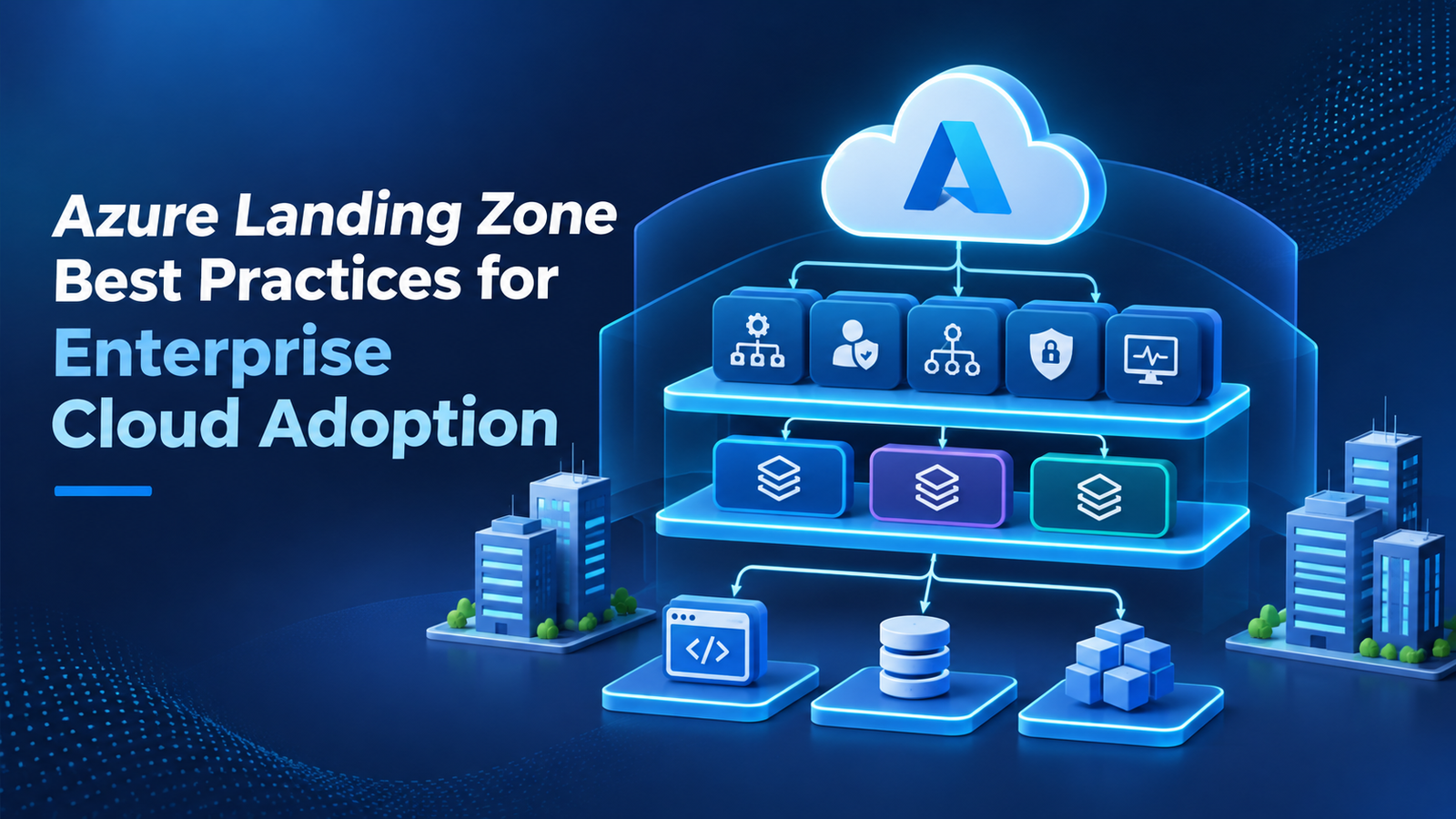
Azure Landing Zone Best Practices for Enterprise Cloud Adoption
An enterprise moving to Microsoft Azure needs more than a place to host its applications. It needs a cloud environment where different teams can work without creating security gaps, where IT departments can manage resources without unnecessary delays, and where business leaders can understand how cloud resources are being used.
This is where an Azure landing zone becomes important. It establishes the structure and controls an organisation needs before moving applications, databases and other workloads to Azure.
However, simply following a reference architecture does not guarantee a successful cloud environment. Enterprises must make decisions about subscriptions, networking, identity, security, governance and daily operations based on how their business actually works.
The following best practices explain how to approach these decisions and build an Azure foundation that supports long-term enterprise cloud adoption.
What Should an Enterprise Decide Before Building Its Landing Zone?
A landing zone should be designed around the organisation's cloud adoption plans rather than a fixed collection of Azure services.
For example, a company moving ten internal applications to Azure may have different requirements from a global enterprise operating hundreds of applications across several regions. Their subscription structures, network requirements, security controls and operational responsibilities will not be the same.
Before implementation, answer four important questions:
Who will manage the cloud environment?
Decide whether a central IT department will manage all Azure resources or whether individual application teams will have responsibility for their workloads. Some enterprises use a shared model, where platform teams manage common services and application teams manage their own environments.
Which workloads will move to Azure?
Review applications, databases, integrations and existing infrastructure. Identify dependencies, performance requirements, data sensitivity and any systems that must remain connected to on-premises infrastructure.
What rules must every team follow?
Establish the organisation's requirements for identity, access, data protection, compliance, resource naming and cost management.
How will the environment expand?
Consider future subscriptions, new business units, additional applications and possible adoption of services such as analytics and artificial intelligence.
These decisions provide the direction for the technical design.
Design the Foundation Around Platform and Workload Responsibilities
Microsoft's Azure landing zone architecture has two main components: the platform landing zone and the application (workload) landing zone.
Understanding their responsibilities helps enterprises avoid confusion as more teams start using Azure.
The platform landing zone
The platform landing zone provides shared services and governance for the organisation's Azure environment. It is usually managed by a central cloud platform team.
Depending on business requirements, it may include:
Central identity and access management.
Network connectivity and shared infrastructure.
Security monitoring and logging.
Governance policies and management services.
The organisation should centralise services when doing so provides clear operational, security or cost benefits. Not every service needs to be controlled by one team.
The application landing zone
The application landing zone provides the environment where a workload team deploys and operates its applications. It can include development, testing and production environments, with subscriptions arranged according to the workload's requirements.
For example, an enterprise might have separate application landing zones for its customer-facing platform, finance system and data analytics workloads.
Each team can manage its own resources while following the security and governance rules established by the platform team.
This separation allows enterprises to maintain common standards without requiring central IT to handle every application-level decision.
Seven Design Decisions That Shape a Reliable Azure Environment
A successful landing zone depends on several connected design decisions. Treating each area as part of the overall architecture makes the environment easier to manage.
1. Organise Subscriptions According to Ownership and Workloads
Subscriptions provide an important boundary for managing Azure resources, access and costs. Enterprises should create a subscription structure that reflects meaningful differences in workload ownership, business requirements and environments.
For example, production and development workloads may need separate subscriptions to support different access permissions and operational controls. Shared platform services can also be placed in dedicated subscriptions.
Use management groups to organise subscriptions and apply policies at the right level. Keep the hierarchy simple enough for administrators and application teams to understand.
A useful practice is to establish a subscription request and provisioning process. This allows new teams to receive approved environments without waiting for every configuration to be completed manually.
2. Make Identity the Starting Point for Security
Cloud access should be based on verified identities and clearly defined permissions.
Microsoft Entra ID provides identity services for users and applications, while Azure role-based access control (RBAC) determines what those identities can do within Azure resources.
Enterprises should follow the principle of least privilege. Employees should receive only the permissions required for their responsibilities.
For better access management:
Use security groups to organise permissions.
Require multifactor authentication for appropriate accounts.
Use Privileged Identity Management for eligible administrative access.
Review role assignments regularly.
Prefer managed identities where supported instead of storing credentials in application code.
Avoid using shared administrator accounts across teams. Individual identities and clear role assignments make access easier to review and investigate.
3. Plan Networking Before Migrating Applications
Network decisions can be difficult to change after multiple applications have been deployed. Enterprises should therefore plan connectivity before moving important workloads.
A hub-and-spoke model is a common option. Shared network services can sit in a central hub, while application environments connect through separate virtual networks.
For larger environments, Azure Virtual WAN may be appropriate, depending on connectivity and operational requirements.
The design should consider:
Connections between Azure and on-premises systems.
Communication between application environments.
Private access to services where required.
Firewall and network security controls.
Regional connectivity and disaster recovery needs.
Do not assume that every application needs the same network access. Separate workloads where necessary and allow only the communication required for business operations.
4. Turn Governance Rules into Automated Controls
An enterprise may have clear security and compliance policies, but those rules are difficult to maintain when teams configure resources independently.
Azure Policy helps enforce or assess resource configurations across management groups, subscriptions and individual resources.
For instance, an organisation may require approved Azure regions, specific resource tags or restrictions on certain resource types.
Start by identifying the controls that apply to all workloads. Then introduce additional requirements for applications with stricter security or compliance needs.
Test policies before applying them broadly. Use audit effects where appropriate to understand the impact before moving towards enforcement. Establish a formal process for reviewing exceptions so that temporary approvals do not become permanent security gaps.
5. Include Monitoring and Recovery in the Initial Design
A landing zone should provide visibility into the health and activity of its resources from the beginning.
Azure Monitor can collect and analyse monitoring data, while Log Analytics workspaces can support log collection and investigation. Organisations can also use Microsoft Sentinel where central security information and event management is required.
Decide which teams will receive alerts, how incidents will be escalated and which events require immediate action.
Recovery planning deserves the same attention. Identify critical applications, define recovery requirements and test backup and restoration procedures. Not every workload needs the same recovery arrangements, so align protection with its business importance.
6. Use Infrastructure as Code for Repeatable Deployment
When teams create environments manually, small differences can appear between subscriptions. These differences may affect security, monitoring and troubleshooting.
Infrastructure as Code helps reduce this problem by defining infrastructure through reusable configuration files.
Azure Bicep and Terraform are commonly used to deploy Azure resources. Enterprises can maintain approved templates for networking, policies, resource groups and workload environments.
Keep these templates in version control and review changes before deployment. Test updates in non-production environments before applying them to important workloads.
Automation should also cover subscription provisioning and baseline configuration where practical. This makes it easier to provide consistent environments as cloud adoption grows.
7. Connect Cost Management with Resource Ownership
Cloud costs should not be reviewed only when the monthly invoice arrives. Enterprises need to understand which teams and applications are responsible for spending.
Use a consistent tagging approach to identify workload owners, business units, environments and application names. Apply budgets and alerts to relevant subscriptions, and review spending through Microsoft Cost Management.
Look for unused resources, oversized compute instances, unnecessary storage and services that remain active after testing.
Cost controls should not prevent teams from using the resources they need. Instead, they should make spending visible and encourage decisions based on actual workload requirements.
How Can Enterprises Implement the Landing Zone Without Delaying Adoption?
A large cloud environment should not be built in one lengthy deployment. A phased approach gives teams the opportunity to test decisions before applying them across the organisation.
First, assess the existing IT environment. Review applications, infrastructure, identity systems, network connections and compliance requirements. Identify which workloads are ready for migration and which need further preparation.
Next, establish the platform foundation. Define management groups, subscriptions, identity, networking, security and governance policies. Confirm who will operate each shared service.
Then, deploy a pilot workload. Choose an application that represents a realistic business requirement without introducing unnecessary migration risk. Test connectivity, access, monitoring, deployment and recovery.
After that, introduce repeatable workload environments. Use approved templates and provisioning processes to support other application teams. Make sure each environment inherits the required governance controls.
Finally, review and improve the design. Use operational feedback, security findings and cost information to identify areas that need attention. Update the architecture as new workloads and business requirements appear.
Microsoft's Cloud Adoption Framework provides reference guidance and implementation options that organisations can adapt to their own requirements.
Signs That Your Azure Landing Zone Needs Attention
A landing zone is not a one-time infrastructure project. As more workloads enter Azure, the original design may need changes.
Watch for these warning signs:
Unclear resource ownership: Teams cannot identify who is responsible for subscriptions or individual resources.
Repeated policy exceptions: Workloads regularly bypass governance rules because the original controls do not reflect real requirements.
Limited cost visibility: Finance and IT teams cannot connect cloud spending with specific applications or departments.
Inconsistent security: Different subscriptions use different access practices without a clear business reason.
Manual provisioning delays: Application teams wait too long for approved environments because subscription creation and configuration depend on manual work.
Operational blind spots: Monitoring is fragmented, and incidents are not reaching the right teams.
Regular architecture reviews help identify these issues before they affect a larger part of the cloud environment.
Prepare Your Enterprise for Long-Term Azure Adoption
A well-planned Azure landing zone gives an enterprise a consistent foundation for moving applications, managing resources and introducing new cloud services. Its success depends on the decisions behind the architecture, not simply on how quickly it is deployed.
Organisations should balance central governance with workload team independence, establish security controls early and automate repeatable tasks wherever practical.
The design should also change as business requirements evolve. New applications, compliance obligations and operational needs may require adjustments to the original structure.
Goognu UK helps businesses plan their Azure cloud environments, review architecture requirements and establish the technical foundations needed for enterprise adoption. With the right planning and regular improvements, an organisation can build an Azure environment that remains secure, organised and easier to manage as its cloud use expands.
Frequently Asked Questions
1. What is an Azure landing zone?
An Azure landing zone is a structured cloud environment that provides the foundation for deploying and managing workloads. It covers areas such as identity, networking, security, governance and operations.
2. What are the main components of an Azure landing zone?
The two main components are the platform landing zone and application landing zones. The platform provides shared services and governance, while application landing zones provide environments for individual workloads.
3. Should every enterprise use the same Azure landing zone architecture?
No. Microsoft provides reference architectures and recommended practices, but organisations should adapt them to their business structure, security requirements, application needs and operating model.
4. How does Azure Policy help with landing zone governance?
Azure Policy helps organisations audit, enforce and manage resource configurations. It can apply rules across subscriptions and management groups to support consistent governance.
5. Can an Azure landing zone support hybrid cloud environments?
Yes. An Azure landing zone can include connectivity between Azure and on-premises infrastructure. The network design should account for application dependencies, security requirements and the organisation's connectivity needs.