

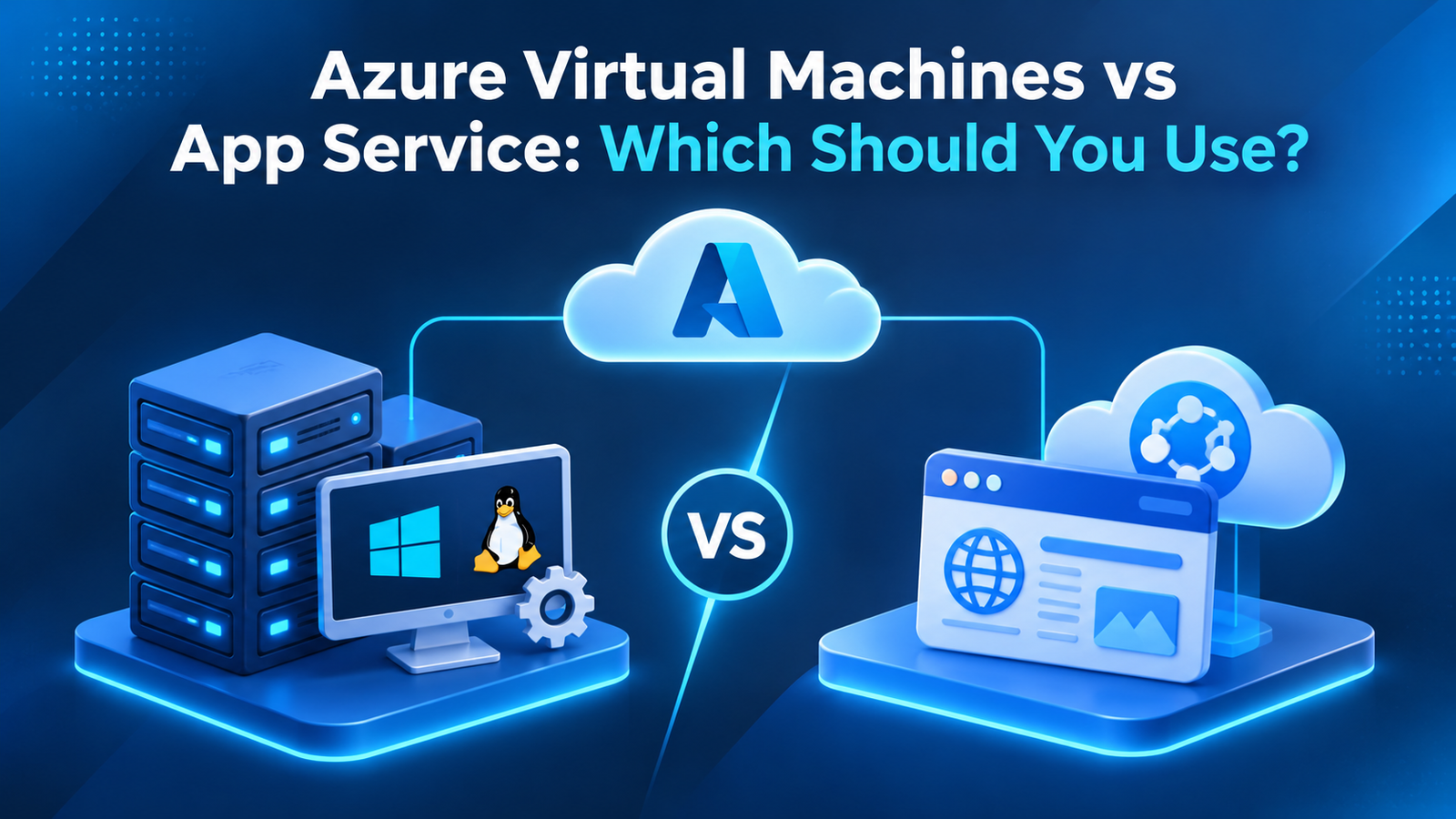
Azure Virtual Machines vs App Service: Which Should You Use?
A business is preparing to launch a new web application on Microsoft Azure. The development team wants full control over the server, operating system and software configuration. The management team, however, wants the application running quickly without adding more server maintenance to the IT team's workload.
Both teams have a point, but they are looking at two different hosting approaches.
Azure Virtual Machines and Azure App Service can both host applications, but they offer different levels of control and management. Choosing between them affects how much infrastructure your team needs to maintain, how applications are deployed and how cloud resources are managed.
Understanding Azure VM vs App Service can help businesses choose a hosting option that matches their application, technical requirements and budget.
The Main Difference: Managing a Server or Managing an Application?
The easiest way to understand these services is to look at what your team is responsible for.
With an Azure Virtual Machine, you rent computing resources in the cloud and manage the operating system and software installed on them. You have control over the server environment, but you also take responsibility for many maintenance activities.
With Azure App Service, Microsoft manages the underlying hosting infrastructure. Your team focuses more on the application, its code, configuration and deployment.
This difference influences which workloads are suitable for each service.
When Should You Choose Azure Virtual Machines?
Azure Virtual Machines (VMs) provide virtual servers that run on Microsoft's cloud infrastructure. They allow businesses to choose operating systems, configure server resources and install the software required by their applications.
This makes VMs useful when an application needs a particular environment or has dependencies that cannot easily be supported by a managed application hosting service.
Applications That Need Full Server Control
Some business applications depend on specific operating system settings, installed software or server-level configurations.
For example, a company may use an older application that requires a particular Windows Server environment. Moving it to an Azure VM can allow the business to retain much of its existing setup without rewriting the application.
VMs are also suitable when teams need administrator-level access to configure the server.
Custom Software and Complex Dependencies
Applications sometimes rely on background services, specialised software or components that need direct access to the operating system.
Azure VMs give technical teams more freedom to install and manage these dependencies. This can be useful for enterprise applications, custom business software and workloads that do not fit standard application hosting models.
Legacy Applications
Older applications may not be designed for platform-managed hosting. They might depend on older frameworks, custom server configurations or specific system libraries.
In these situations, a VM can provide a practical hosting environment while the business plans future application improvements.
What Are the Responsibilities?
Greater control also means more work for the IT team.
When using Azure VMs, businesses generally need to manage operating system updates, security configuration, installed software, backups, monitoring and server maintenance. Microsoft manages the underlying physical infrastructure, but the customer remains responsible for much of the guest operating system and workload management.
Choose VMs when that level of control is necessary and your team has the skills to manage it.
When Is Azure App Service the Better Choice?
Azure App Service is a platform-as-a-service (PaaS) offering designed to host web applications and APIs without requiring businesses to manage the underlying servers.
Instead of setting up a virtual server, developers deploy their applications to the service and configure the settings needed to run them.
It is particularly useful when the main requirement is to host supported application workloads rather than manage a complete server environment.
Web Applications and Business Websites
Businesses running customer portals, online platforms and internal websites can use App Service to host supported web applications.
The service supports common development technologies, including .NET, Java, Node.js, Python and PHP, subject to the selected operating system and runtime support.
Developers can focus on application features while Azure manages much of the hosting infrastructure.
APIs and Application Backends
Modern applications often use APIs to connect websites, mobile applications and other systems.
Azure App Service can host web APIs that handle these requests. Teams can deploy updates and manage application settings without maintaining a separate server environment.
Applications That Need Easier Deployment
App Service supports deployment options such as deployment slots, which allow teams to prepare and test a new application version before making it live.
This can help reduce deployment risks when used with proper testing and release procedures.
What Does Microsoft Manage?
Azure handles the underlying hosting platform, including much of the operating system and infrastructure maintenance. Businesses still need to manage their application code, data, access permissions, configuration and security responsibilities.
App Service reduces server administration, but it does not remove the need for application monitoring and maintenance.
Azure VM vs App Service: How Do They Compare?
The differences become clearer when you compare their main characteristics.
Infrastructure control: Azure VMs provide control over the guest operating system and server configuration. App Service offers a managed hosting environment with less access to underlying infrastructure.
Maintenance: VMs require customers to manage operating system updates and server maintenance. App Service handles much of the platform maintenance.
Application compatibility: VMs can support a wide range of operating systems and software dependencies. App Service is designed for supported web applications and APIs.
Deployment: VMs allow teams to configure their own deployment processes. App Service provides built-in deployment features and integration options.
Scaling: Both services support scaling, but the methods differ. VMs can be scaled by changing their size or using virtual machine scale sets. App Service offers scaling options through its App Service plan.
Management effort: VMs usually require more infrastructure administration. App Service reduces this workload by managing the hosting platform.
Best suited for: VMs suit workloads that need server-level control. App Service suits supported web applications and APIs where teams want to focus on development rather than server management.
What About Performance, Scaling and Availability?
Performance depends on the application, its design, resource requirements and hosting configuration. Neither service is automatically faster in every situation.
With Azure VMs, teams can choose virtual machine sizes based on CPU, memory, storage and networking requirements. They can also configure the operating system and software environment to suit the workload.
With App Service, performance is influenced by the selected App Service plan, available resources and application configuration. Businesses can scale their plan to provide more resources or add instances when demand increases.
Availability also requires planning. Azure provides infrastructure features that can support reliable deployments, but businesses must configure their applications, backups, networking and recovery arrangements appropriately.
For example, an online booking application may need additional capacity during busy periods. App Service can offer a managed scaling approach, while a VM-based setup may require more infrastructure planning to handle the same changes.
The right option depends on how predictable your traffic is and how much control your team wants over capacity management.
Which Option Is More Cost-Effective?
Cost should be considered alongside management effort. A service with a lower hosting price may require more staff time for maintenance and support.
Azure VMs are billed according to factors such as virtual machine size, operating system, storage and usage. Additional costs may apply for networking, backup and other services.
App Service pricing depends on the selected plan and its available resources. You pay for the hosting plan rather than managing an individual virtual machine.
A VM may be suitable when you need a specialised environment or want to control the complete server setup. App Service may offer better value when you are hosting a supported web application and want to reduce infrastructure administration.
Before choosing, estimate the full cost of hosting, monitoring, maintenance, storage and support. Azure's pricing calculator can help you compare possible configurations.
Can You Use Azure VMs and App Service Together?
Yes. Businesses do not have to choose only one service for their entire cloud environment.
Some applications use App Service for the main website or API while relying on other Azure services for databases, storage and background processing. A separate legacy system may continue running on a VM because it needs a specific server configuration.
For example, an organisation could host its customer-facing portal on App Service while keeping an older internal application on an Azure VM. Both environments can communicate through suitable network and application connections.
This approach allows businesses to choose hosting services according to individual workload requirements rather than forcing every application into the same model.
Make the Decision Based on Your Application
The choice between Azure Virtual Machines and App Service comes down to control, compatibility and the amount of infrastructure management your team wants to handle.
Choose Azure VMs when your application needs operating system access, custom software dependencies or a specialised server environment. Choose App Service when you are hosting a supported web application or API and want Microsoft to manage more of the underlying platform.
Goognu UK helps businesses assess Azure environments and choose suitable cloud services based on application requirements, performance expectations and operational needs.
Before making the decision, review your application's dependencies, estimate the full cost and test the hosting option under realistic conditions. A well-matched service can make application management easier while giving your business the resources it needs.
Frequently Asked Questions
Is Azure App Service cheaper than an Azure VM?
It depends on the workload, hosting plan, resource requirements and management costs. App Service can reduce server administration, while a VM may be more suitable for applications requiring custom configurations.
Can I run a .NET application on both Azure VM and App Service?
Yes. Supported .NET applications can run on App Service, while Azure VMs can host applications in a wider range of server configurations. Compatibility depends on the application framework and operating system requirements.
Does Azure App Service provide full server access?
No. App Service is a managed hosting platform and does not provide the same level of operating system control as an Azure VM.
Can Azure Virtual Machines scale automatically?
Yes. Azure Virtual Machine Scale Sets support scaling groups of VMs based on defined conditions. However, the application and infrastructure need to be configured to support this approach.
Which service is better for a legacy application?
Azure VMs are often a suitable choice when a legacy application depends on specific operating system settings, installed software or server-level access. App Service may be suitable if the application is compatible with its supported hosting environment.