

An application that has supported a business for 15 years may still handle thousands of daily transactions. Employees know how to use it, customers depend on it, and important business information is stored within it. However, the system may run on ageing servers, require manual maintenance and become increasingly difficult to update.
Replacing such an application is not always practical. Rebuilding it from scratch can take months, cost a significant amount and introduce new risks. Yet continuing to run it on outdated infrastructure can create problems with performance, security and maintenance.
Moving the application to Microsoft Azure can offer another way forward. Businesses can move existing systems to the cloud, update selected components or gradually improve the application architecture.
This process is known as Azure application migration. The right approach depends on the application's age, technical condition, business importance and future requirements.
Should You Move the Application As It Is or Modernise It First?
Not every legacy application needs a complete redesign before moving to Azure. In some cases, the existing software works reliably but needs a better infrastructure environment. In others, outdated code and technical limitations make a simple move unsuitable.
The first decision is how much change the application actually needs.
Rehost: Move without major code changes
Rehosting, often called lift and shift, involves moving an application from its existing server environment to Azure virtual machines. The application largely continues working as it did before, but runs on Azure infrastructure.
This approach can suit businesses that want to leave an ageing data centre, meet a migration deadline or reduce the need to maintain physical servers.
Replatform: Make selected improvements
Replatforming involves making limited changes so the application can use managed Azure services.
For example, a business may move a database from an on-premises SQL Server environment to Azure SQL Managed Instance. The application may need some configuration changes, but a complete rewrite is not required.
Refactor: Improve the existing code
Refactoring means changing parts of the application code to improve its structure, performance or maintainability. Businesses may choose this option when an application has outdated components that create problems in the cloud.
Rearchitect: Redesign the application
Some older applications have been built as a single large system, making updates difficult. Rearchitecting involves changing the application design to use a more suitable cloud architecture, such as separate services or serverless components.
This approach requires more development work, but it may be appropriate when the existing design limits future business growth.
The decision should be based on technical requirements and business value, not on the assumption that every legacy application must become cloud-native.
Begin With a Detailed Application Assessment
Before moving anything, understand what the application contains and how its different components work together.
A legacy business application may depend on several elements, including databases, file servers, authentication systems, third-party software and other internal applications. Moving only the main application without understanding these connections can cause unexpected failures.
Start by collecting information about:
Application architecture: Identify the technologies, frameworks, operating systems and databases currently in use.
Infrastructure requirements: Record CPU, memory, storage and network requirements.
Application dependencies: Find out which databases, services and external systems the application needs.
Performance patterns: Review normal usage, peak traffic and processing requirements.
Security requirements: Identify sensitive information, access controls and existing security policies.
Business importance: Understand which applications are essential and how long the business can manage without them.
Azure Migrate can help discover and assess existing workloads. Its assessment features provide information about Azure readiness, recommended targets, resource sizing and estimated hosting costs.
For applications with several connected workloads, an application assessment can also help review their relationships together rather than treating every server as a separate migration.
This stage helps businesses identify possible issues before they affect the migration.
Prepare an Azure Environment Before Moving the Application
A common mistake is to create Azure virtual machines and start transferring applications without preparing the wider cloud environment.
Your Azure setup should be ready to support the application securely and reliably.
This preparation includes several areas.
Networking: Plan virtual networks, subnets, routing and connectivity between application components. If the application needs to communicate with existing systems, establish the required connections.
Identity and access: Decide how employees and applications will authenticate. Review user permissions and apply role-based access control so people receive only the access they need.
Security controls: Establish suitable network rules, encryption, monitoring and security policies before moving sensitive workloads.
Backup and recovery: Decide how application data will be protected and how the system will be restored if something goes wrong.
Resource organisation: Plan subscriptions, resource groups, naming conventions and tagging so the environment remains easy to manage.
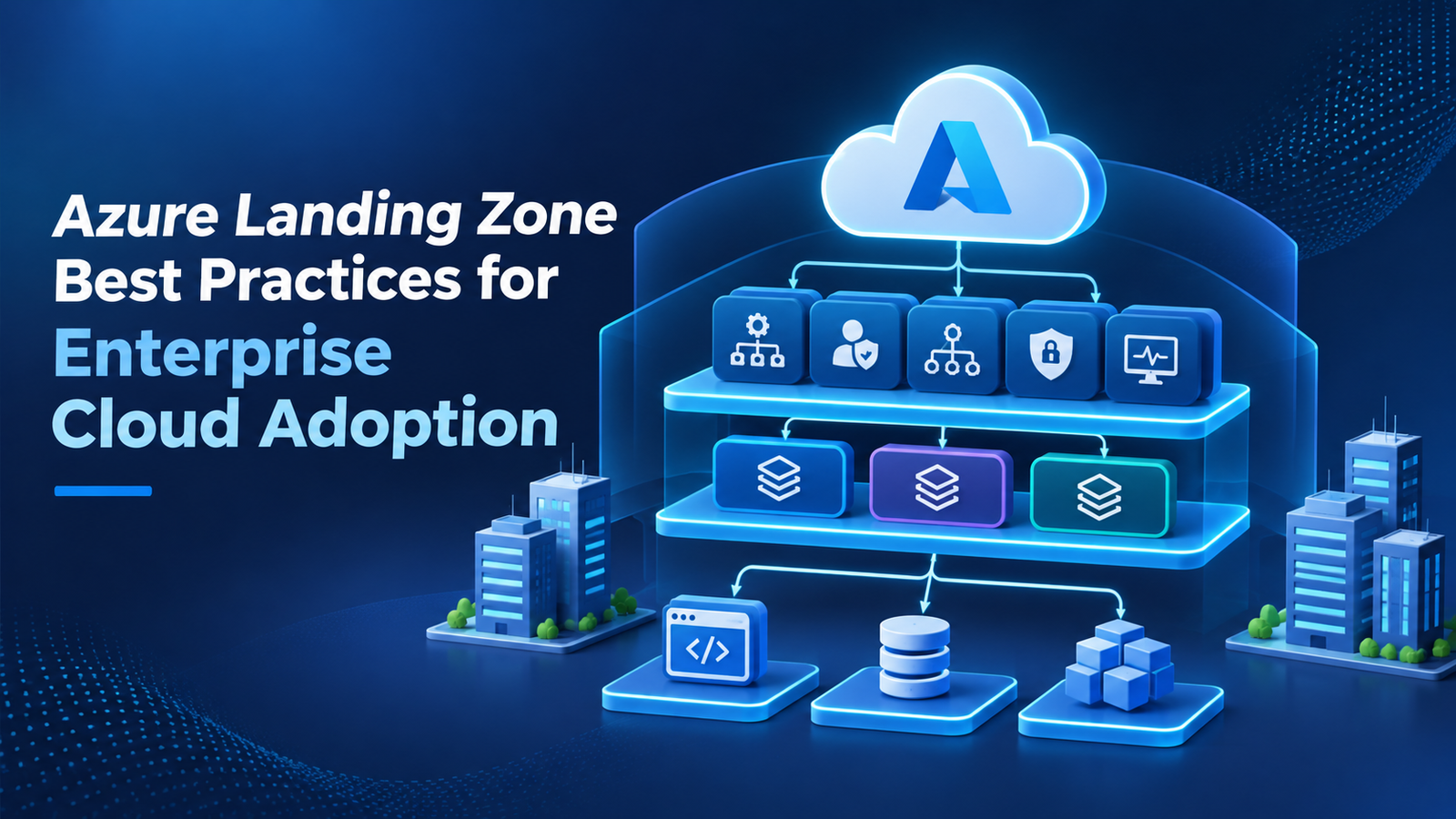
These arrangements form part of the Azure landing zone. Preparing them early gives the migration team a suitable foundation for moving applications.
Choose the Right Azure Services for Each Component
A legacy application does not necessarily need to run entirely on virtual machines. Azure offers different services for different workload requirements.
The important part is choosing services that match the application's architecture and operational needs.
For example:
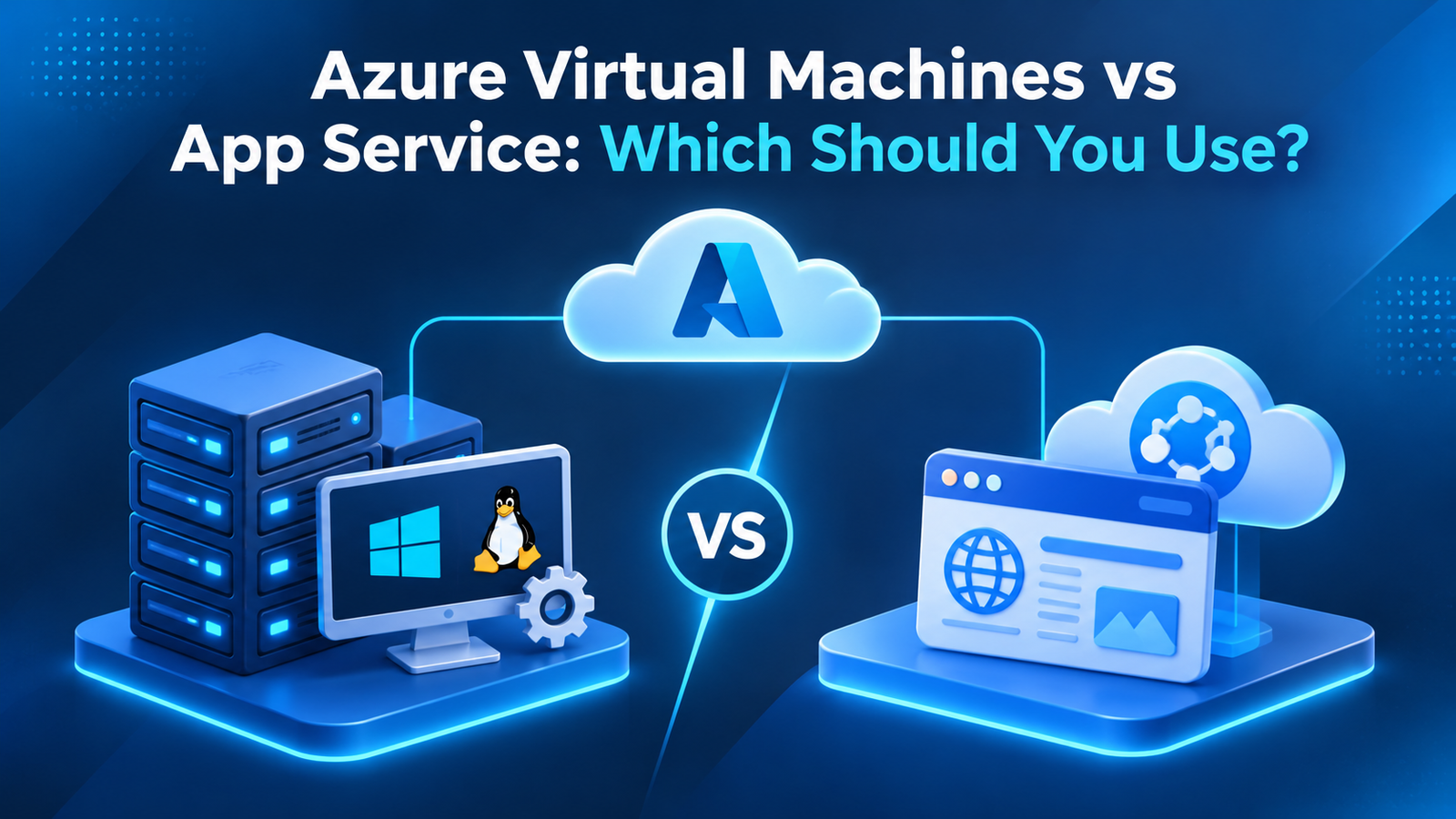
Azure Virtual Machines: Suitable for applications that need a traditional server environment or depend on specific operating system configurations.
Azure App Service: Can host supported web applications without requiring the business to manage the underlying servers.
Azure SQL Database: A managed database option for applications that can work with its supported features.
Azure SQL Managed Instance: Useful for SQL Server workloads that need broader compatibility with existing database features.
Azure Storage: Provides storage options for application files, backups and business data.
A business may use a combination of these services. For example, it could keep a legacy application on an Azure VM while moving its database to a managed Azure database service.
Before choosing a target, check application compatibility, licensing, performance needs and any features that may require changes.
Move Applications in Stages Rather Than All at Once
A large migration becomes harder to control when every application and database is moved together. A staged approach allows teams to identify problems early and reduce the impact on business operations.
Start with applications that have fewer dependencies and lower business risk. These can help the team test its migration process and understand how the Azure environment behaves.
A practical migration sequence may look like this:
Pilot migration: Move a non-critical application or test workload first. Check connectivity, performance, security and data access.
Database migration: Move or synchronise the required database using a suitable migration method. Verify that records remain complete and consistent.
Application migration: Deploy the application components in Azure and configure their connections to databases, storage and other services.
Integration testing: Check whether the migrated application communicates correctly with internal systems, external services and user authentication tools.
Production migration: Once testing is successful, schedule the production move and communicate the expected downtime to affected users.
Post-migration review: Monitor the application, investigate errors and confirm that users can complete their normal tasks.
This staged approach gives teams time to correct problems before they affect important business services.
How Can You Reduce Downtime During Migration?
Business applications often support daily activities, so taking them offline for long periods may not be acceptable.
The migration plan should define how much downtime the organisation can tolerate and how much data loss it can accept.
For applications with strict availability requirements, teams can use data replication or synchronisation to keep the source and target environments aligned before the final move.
A planned cutover should include:
A confirmed migration window.
A recent and verified backup.
A final data synchronisation plan.
A clear process for switching users to Azure.
Technical staff available to handle issues.
A rollback plan if the migration fails.
Do not remove the original environment immediately after the application becomes available in Azure. Keep it available according to the agreed rollback and retention plan until the migrated system has been properly checked.
Test the Application Before Declaring the Migration Complete
An application that starts successfully in Azure is not necessarily ready for everyday business use.
Testing should cover more than basic access. Users need to confirm that the application performs its important functions correctly.
Check the following areas:
Functional testing: Confirm that key features, forms, reports and workflows work as expected.
Data validation: Compare important records and database information to make sure the migration has not caused missing or incorrect data.
Performance testing: Check response times, resource usage and behaviour during busy periods.
Security testing: Review access permissions, authentication, network settings and data protection controls.
Integration testing: Confirm that connected applications, payment systems, APIs and other services continue to work.
You should also involve employees who use the application regularly. Their feedback can reveal practical problems that technical tests may not identify.
What Should Happen After the Move?
Migration is not the end of the process. The application now needs regular monitoring, maintenance and cost reviews.
Azure Monitor can help teams track infrastructure and application performance. Azure Backup can support data protection, while suitable security tools and access policies help maintain the cloud environment.
Review resource usage after the application has been running for a reasonable period. The initial Azure configuration may be larger than necessary, or the application may need additional resources during peak demand.
Goognu UK supports businesses with Azure consulting and cloud services, helping them assess existing environments, plan suitable migration approaches and manage their cloud infrastructure.
A successful Azure application migration is not simply about moving old software to a new location. It is about making sure the application continues to support business operations while creating a better foundation for future improvements.
Frequently Asked Questions
Can legacy applications run on Microsoft Azure?
Yes. Many legacy applications can run on Azure virtual machines without major code changes. Others may need configuration updates, database changes or application modernisation before they can move successfully.
What is the best way to migrate a legacy application to Azure?
There is no single method for every application. Rehosting may suit systems that need minimal changes, while replatforming or refactoring may be better for applications that need selected improvements.
Does Azure Migrate support legacy applications?
Azure Migrate helps discover, assess and plan the migration of supported servers, databases and web applications. Its assessment features can identify readiness, suitable Azure targets and estimated costs.
How can businesses avoid data loss during migration?
Businesses should take verified backups, plan data synchronisation, validate migrated records and test recovery procedures. The migration plan should also include a rollback option.
How long does Azure application migration take?
The timeline depends on application complexity, data volume, dependencies, security requirements and the migration approach. A simple application may move relatively quickly, while a large legacy system may require several stages of assessment, development and testing.