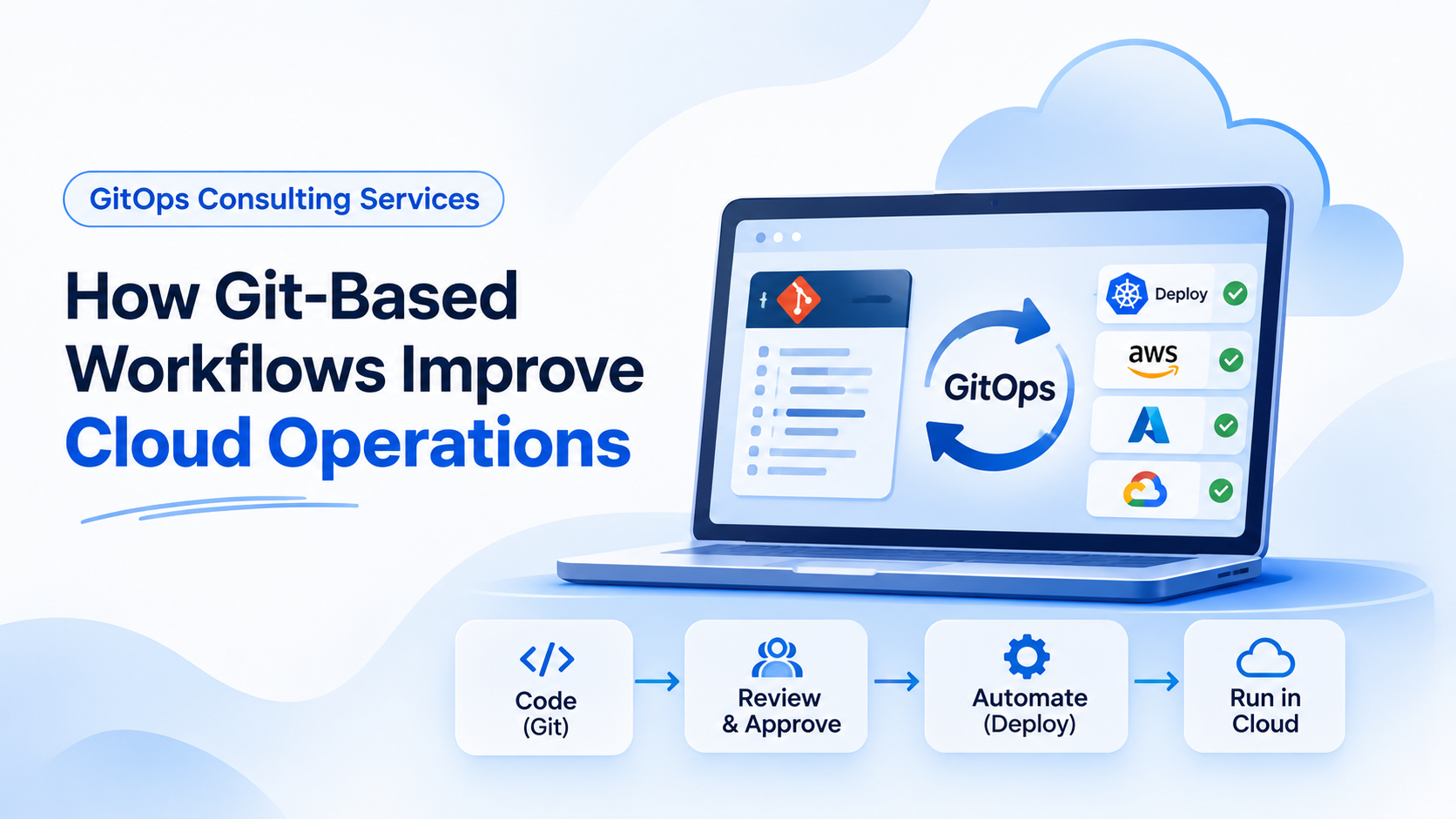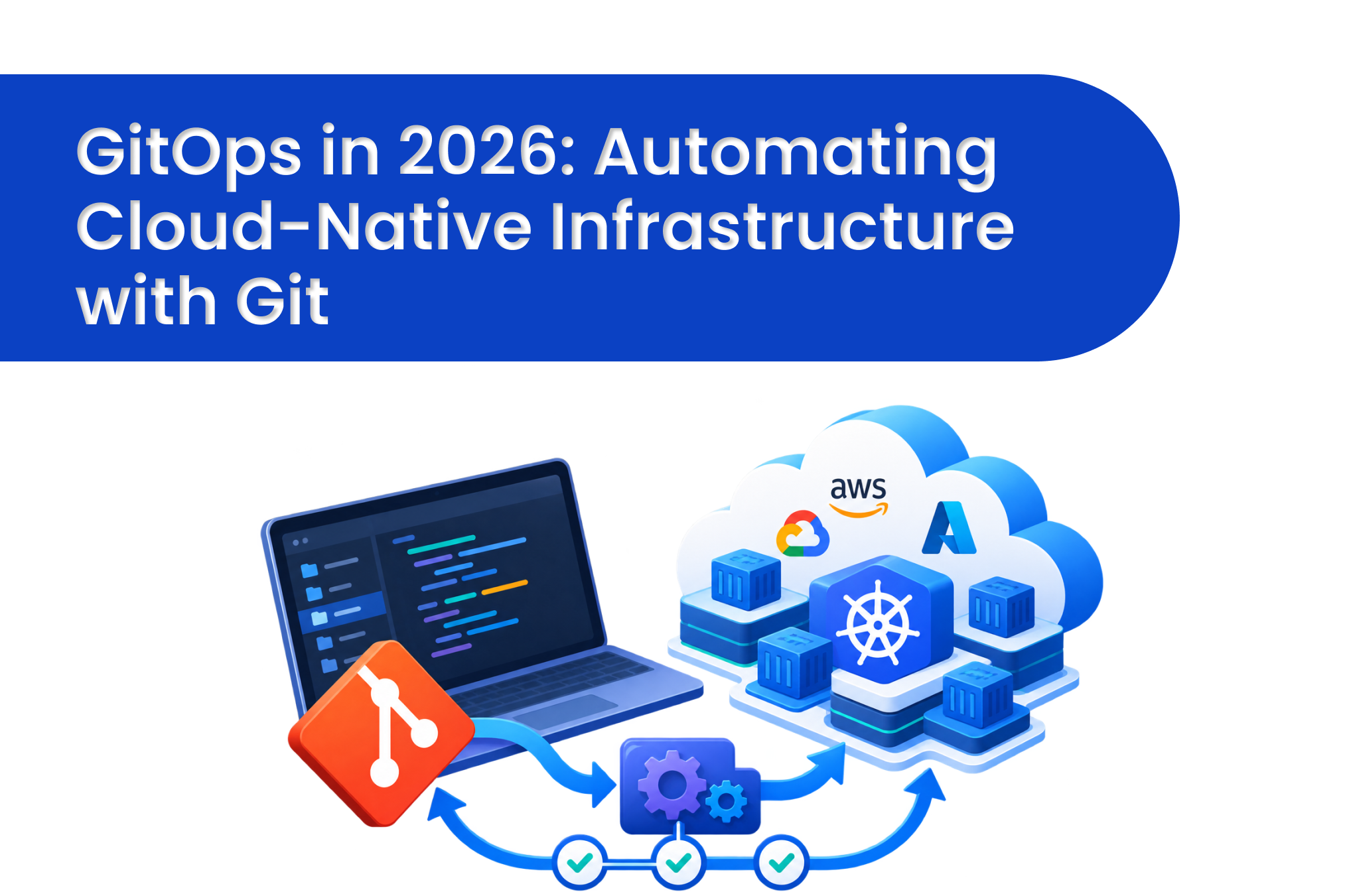


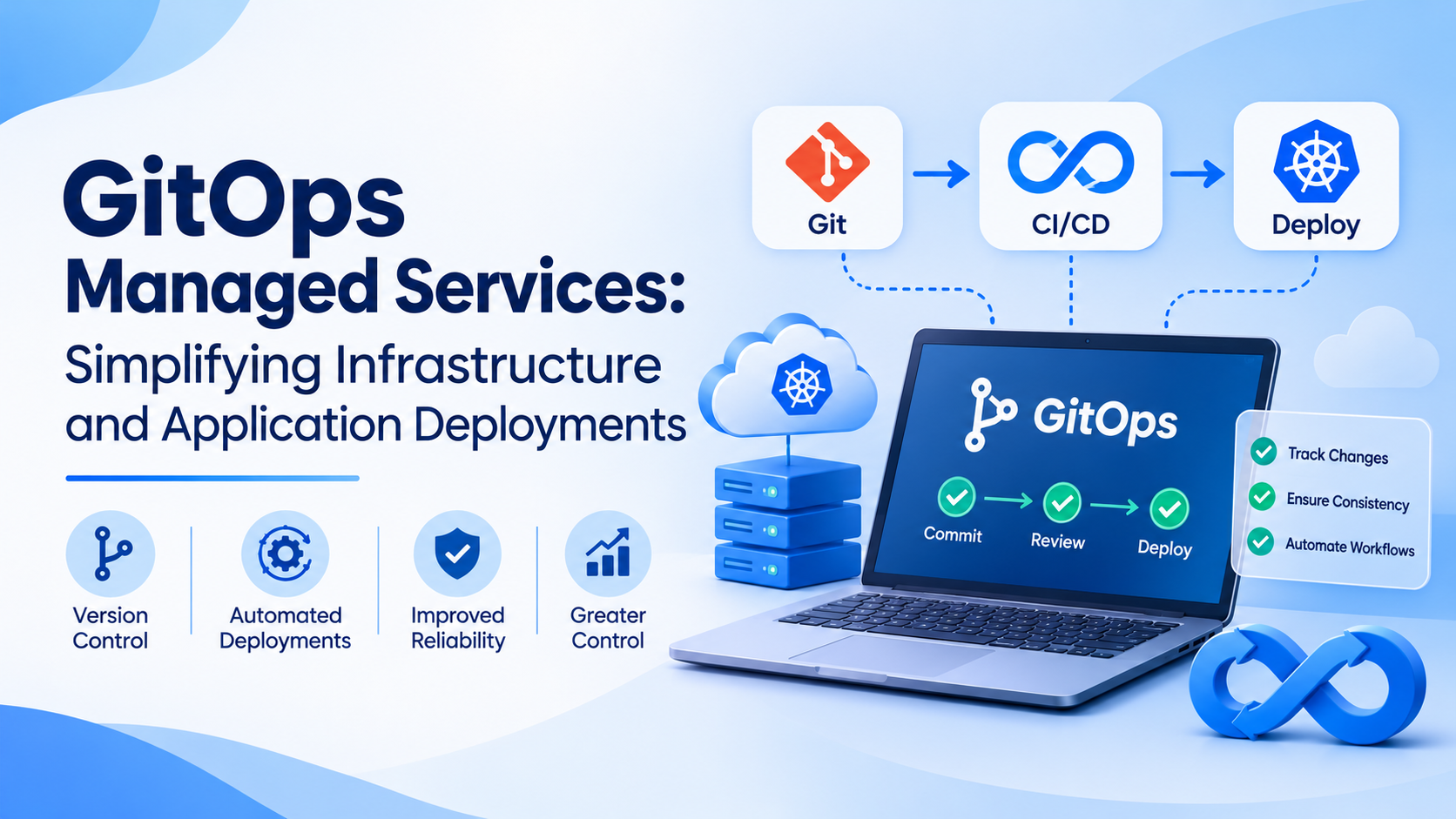
Modern software teams need to release updates frequently while keeping applications stable and infrastructure properly configured. Manual deployment processes can become difficult as applications grow and teams manage multiple environments. GitOps managed services help businesses manage infrastructure and application deployments through Git repositories, automation, and controlled configuration changes.
With GitOps, teams store infrastructure definitions and application settings in version-controlled repositories. Automated tools use these files to apply approved changes to the target environment. This makes deployments easier to track, review, and repeat.
Businesses can use GitOps Services to improve deployment consistency, reduce repetitive work, and maintain better control over configuration changes. When implemented correctly, GitOps also helps teams identify differences between the intended and actual states of their environments.
What Are GitOps Managed Services?
GitOps managed services help organisations implement and maintain deployment workflows based on Git. Instead of relying entirely on manual commands, teams define the desired state of their applications and infrastructure in configuration files.
A GitOps tool compares the desired state stored in the repository with the actual state of the environment. Depending on its configuration, it can detect differences and automatically apply corrections.
For example, a company running applications on Kubernetes can store deployment manifests in Git. When an approved change is merged, a tool such as Argo CD or Flux can apply the updated configuration to the cluster.
Managed services may include:
- Repository Setup: Organising repositories, branches, configuration files, and permissions for different teams.
- Deployment Automation: Creating workflows that apply approved application and infrastructure changes.
- Environment Management: Maintaining separate configurations for development, testing, staging, and production.
- Monitoring and Support: Identifying failed deployments, configuration differences, and operational problems.
The exact services depend on the organisation's cloud platform, existing tools, and security requirements. A suitable implementation should solve real deployment challenges without adding unnecessary complexity.
How Does GitOps Improve Application Deployments?
Traditional deployments may depend on scripts, manual commands, and instructions shared between team members. These methods can work for smaller projects but become harder to manage when several applications require frequent updates.
GitOps creates a more consistent process by connecting version control with deployment automation.
Changes Begin in a Repository
Developers or infrastructure engineers update configuration files in Git. They can submit changes through a pull request, allowing colleagues to review the modifications before approval.
Automated checks can identify syntax errors or policy violations before the changes reach production. This helps teams catch problems earlier.
Approved Changes Are Applied Automatically
After approval, the GitOps tool detects the updated configuration and applies it according to the workflow's rules. Some changes may require additional approval before reaching production.
This reduces repetitive manual tasks and gives teams a consistent method for applying changes across environments.
Deployment History Remains Available
Git records changes, allowing teams to see what was modified, when it happened, and which commit introduced the change. This information can help engineers investigate problems and understand earlier deployment decisions.
Teams can also revert configuration changes through Git when appropriate. However, reverting a commit does not automatically reverse every application or database change, so recovery procedures must be planned carefully.
Which GitOps Services Help Manage Infrastructure?
Infrastructure management involves creating resources, maintaining configurations, controlling access, and keeping environments consistent. The right GitOps Services can help businesses organise these activities.
Infrastructure as Code Management
Infrastructure as Code allows teams to define cloud resources through configuration files. Git can store these definitions, while review processes help control proposed changes.
Tools such as Terraform may be used to manage infrastructure. The exact automation approach depends on the platform and how infrastructure changes are approved and applied.
Kubernetes Deployment Management
Kubernetes environments may contain numerous applications, services, and configuration files. GitOps tools such as Argo CD and Flux can monitor repositories and help maintain the desired configuration across clusters.
Managed support may cover tool configuration, repository organisation, access permissions, and deployment troubleshooting.
Configuration Management
Applications often need different settings for development, testing, and production. Managing these settings carefully helps prevent incorrect values from reaching the wrong environment.
Version-controlled configuration makes changes easier to review. Passwords, tokens, and other sensitive values should be handled through approved secrets-management systems rather than stored directly in plain-text repositories.
Release Workflow Management
Frequent releases require clear rules for testing, approval, deployment, and recovery. GitOps can help establish these rules and provide a repeatable process for releasing application updates.
Can GitOps Managed Services Reduce Deployment Errors?
Deployment errors often happen when environments have different configurations, manual steps are missed, or changes reach production without sufficient review. GitOps helps reduce these risks by making configuration changes visible and repeatable.
Consider a company running the same application across several Kubernetes clusters. If engineers update each cluster manually, one environment may receive a new configuration while another continues using an older version.
With GitOps, the intended configuration can be stored in a repository and applied through automation. Teams can review differences and identify the approved version.
Key benefits include:
- Fewer Manual Tasks: Automation reduces the need to repeat deployment commands across environments.
- Better Reviews: Pull requests allow teams to inspect changes before approval.
- Consistent Configuration: Version-controlled files provide a shared reference for deployment settings.
- Easier Troubleshooting: Commit history helps identify when a change was introduced.
- Repeatable Releases: Teams can reuse approved configurations rather than recreate deployment steps manually.
GitOps does not prevent every failure. Faulty configuration, application bugs, and inadequate testing can still cause problems. Businesses should combine automation with testing, monitoring, access controls, and reliable recovery procedures.
How Does GitOps Support Security?
Security controls are essential when applications and infrastructure change frequently. GitOps can help businesses manage permissions and maintain records of configuration changes.
Repository permissions can restrict who may modify important files. Branch protection rules can require reviews before changes are merged, while automated policy checks can identify configurations that violate internal requirements.
Businesses should also consider these practices:
- Access Control: Give users and automation tools only the permissions they require.
- Secret Protection: Keep credentials in suitable secrets-management systems.
- Audit Records: Maintain useful records of changes, approvals, and deployments.
- Policy Validation: Check configurations against security requirements before deployment.
- Recovery Planning: Prepare and test procedures for correcting unsafe changes.
GitOps alone does not guarantee security or regulatory compliance. Organisations must assess their specific requirements and configure the workflow accordingly.
When Should Businesses Choose GitOps Managed Services?
GitOps can benefit organisations that release software frequently, manage several environments, or operate Kubernetes and cloud infrastructure across multiple teams.
Managed support may be useful when internal teams lack the time or experience to design and maintain deployment automation. A provider can help assess existing workflows, configure tools, organise repositories, and document operating procedures.
Consider GitOps when:
- Manual deployments take too much time.
- Testing and production environments frequently differ.
- Teams struggle to track infrastructure changes.
- Application updates require repetitive configuration work.
- The organisation needs clearer approval and audit processes.
Before adopting GitOps, businesses should identify their main deployment problems and select a suitable starting point. A small project may need only a basic workflow, while a larger platform may require environment-specific controls and more detailed monitoring.
What Should You Check Before Choosing a GitOps Provider?
A suitable provider should understand your applications, cloud platform, deployment process, and security requirements. Installing a tool is only one part of a successful implementation.
Ask potential providers about their experience with tools such as Argo CD, Flux, Kubernetes, and Terraform, where relevant to your environment. Discuss how they handle access permissions, configuration drift, failed deployments, and recovery.
You should also confirm:
- How development, testing, and production environments will be managed.
- Which changes will be automated and which require approval.
- How credentials and sensitive configuration will be protected.
- What documentation and knowledge transfer will be provided.
- How deployment performance and reliability will be assessed.
A clear implementation plan should define responsibilities, testing requirements, and expected outcomes. This helps businesses understand what the service includes and how its value will be measured.
How Can Goognu Support Cloud Operations?
Businesses exploring GitOps should first understand their existing infrastructure and identify where deployment automation can provide practical benefits. The right approach depends on the applications, cloud platforms, tools, and operational requirements involved.
Goognu provides cloud and infrastructure-related services that businesses can explore through its official website. Organisations considering GitOps managed services should discuss their specific requirements before choosing an implementation approach.
A well-designed workflow should make changes easier to review, deployments more consistent, and configuration issues easier to investigate. Starting with one suitable application or environment allows teams to evaluate the results before expanding the approach.
Conclusion
GitOps managed services help businesses manage infrastructure and application deployments through version control, automation, and structured change management. They can reduce repetitive manual work, improve configuration consistency, and make deployment history easier to review.
Success depends on careful implementation. Businesses should combine GitOps with appropriate security controls, testing, monitoring, and recovery planning. With a workflow suited to their environment, development and operations teams can manage changes more consistently and maintain better control over application deployments.
Frequently Asked Questions
1. What are GitOps managed services?
They help businesses implement and maintain Git-based workflows for application deployments, infrastructure configuration, automation, and troubleshooting.
2. Which tools are commonly used for GitOps?
Argo CD and Flux are commonly used for Kubernetes deployments. Git platforms and tools such as Terraform may support related infrastructure workflows.
3. Is GitOps suitable for small businesses?
Yes. Small businesses can begin with a basic repository and automated deployment workflow, then expand it as their infrastructure and application requirements grow.
4. Does GitOps eliminate deployment failures?
No. GitOps improves consistency and traceability, but application bugs and incorrect configurations can still cause failures. Testing and monitoring remain necessary.
5. How does GitOps manage configuration drift?
GitOps tools compare the desired configuration with the actual environment. Depending on their settings, they can report differences or automatically bring the environment back into line.