

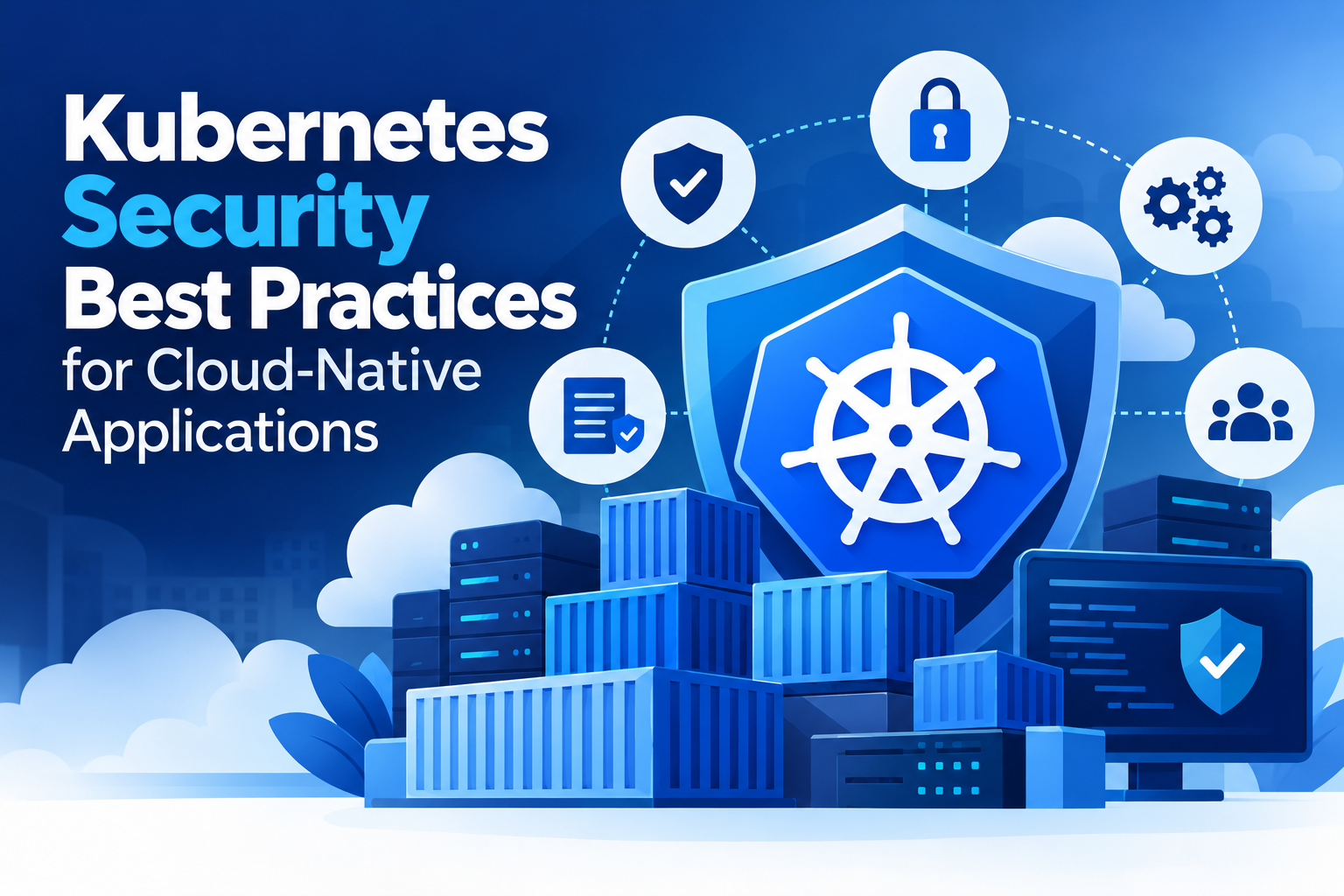
Kubernetes has become a core platform for running modern cloud-native applications, but its flexibility also creates security challenges. A Kubernetes environment includes clusters, containers, APIs, workloads, identities, networks, and sensitive configuration data that must work together securely. A single weak setting can expose applications or provide attackers with access to critical resources.
Following Kubernetes Security Best Practices helps organizations reduce these risks while maintaining reliable application performance. From controlling access to securing container images and monitoring cluster activity, security needs to be considered across every layer of the Kubernetes environment.
Why Kubernetes Security Matters for Cloud-Native Applications
Cloud-native applications often use microservices, containers, APIs, and automated deployment pipelines. While these technologies improve development speed, they also increase the number of components that need protection.
Poorly configured permissions, exposed APIs, vulnerable container images, and unrestricted network communication can create entry points for attacks. Strong Kubernetes security protects both the cluster and the applications running inside it.
Security should not be treated as a final deployment step. It should be included throughout development, configuration, deployment, and ongoing monitoring.
1. Apply Strong Kubernetes Access Controls
Access management is one of the most important areas of Kubernetes access control. Users, applications, and services should receive only the permissions they require.
Kubernetes Role-Based Access Control (RBAC) allows administrators to define what specific users or service accounts can access. Avoid giving broad permissions such as cluster-admin access unless they are genuinely necessary.
Use separate roles for development, testing, operations, and production environments. Review permissions regularly and remove unused accounts, roles, and service accounts.
Strong authentication should also be enabled for the Kubernetes API server. Combining authentication with carefully designed RBAC policies reduces the risk of unauthorized cluster activity.
2. Secure Container Images Before Deployment
Container security begins before an image reaches the Kubernetes cluster. Vulnerable packages, outdated dependencies, and unnecessary software can introduce security weaknesses into workloads.
Use trusted base images and keep them updated. Scan container images for known vulnerabilities as part of the development and CI/CD process. Images should also come from controlled registries with appropriate access restrictions.
Use minimal images whenever possible and remove unnecessary packages, tools, and permissions. This reduces the number of components an attacker could potentially exploit.
Image signing and verification can provide an additional layer of protection by helping teams ensure that only approved images are deployed.
3. Protect Kubernetes Secrets
Kubernetes applications frequently require passwords, API keys, certificates, and database credentials. Storing sensitive information carelessly can expose critical systems.
Use Kubernetes Secrets appropriately and restrict access through RBAC. Avoid placing credentials directly inside container images, application code, configuration files, or publicly accessible repositories.
Sensitive values should be managed through controlled secret-management processes, with access limited to workloads and users that actually require them.
Regularly rotate credentials and remove old secrets that are no longer needed. Monitoring access to sensitive configuration also helps identify unusual activity.
4. Implement Network Policies
By default, workloads within a cluster may be able to communicate more freely than necessary. This can increase the impact of a compromised container or service.
Network policies allow teams to control communication between pods and other network endpoints. Instead of allowing unrestricted traffic, define which workloads should communicate and block unnecessary connections.
A properly designed network policy can separate application tiers, restrict database access, and reduce unnecessary lateral movement within the cluster.
Network segmentation should be reviewed whenever applications or services change so that outdated access rules do not remain active.
5. Keep the Kubernetes Cluster Updated
Kubernetes components, container runtimes, operating systems, and supporting tools should be maintained with current security updates.
Running outdated versions can leave known vulnerabilities unaddressed. Establish a regular patching process and test updates before applying them to production environments.
Cluster administrators should also review Kubernetes security advisories and prioritize relevant updates based on the components used in their environment.
Along with Kubernetes itself, consider the security of ingress controllers, service meshes, monitoring tools, cloud integrations, and other components connected to the cluster.
6. Monitor Cluster Activity and Workloads
Security controls are more effective when suspicious activity can be detected quickly. Continuous monitoring helps teams identify unexpected changes, unusual access patterns, failed authentication attempts, and abnormal workload behavior.
Enable appropriate Kubernetes audit logging and collect relevant security events in a centralized monitoring system. Monitor API activity, privileged operations, container behavior, network connections, and resource changes.
Alerting should focus on meaningful security events rather than generating excessive notifications. Clear alerts allow security and operations teams to investigate potential incidents faster.
7. Secure the Kubernetes API and Nodes
The Kubernetes API server is a critical control point and should never be exposed unnecessarily. Restrict API access to trusted networks and authorized users or systems.
Worker nodes also require protection. Apply operating system security updates, restrict unnecessary services, and limit administrative access. Containers should not automatically receive privileged access to the underlying host.
Avoid using privileged containers unless there is a clear operational requirement. Apply appropriate security contexts and filesystem restrictions to reduce the potential impact of compromised workloads.
8. Build Security Into the CI/CD Pipeline
Cloud-native applications are frequently deployed through automated pipelines, making CI/CD security an important part of cluster protection.
Scan source dependencies and container images before deployment. Validate Kubernetes manifests for insecure configurations and enforce policies that prevent risky workloads from reaching production.
Security checks can include image vulnerability scanning, configuration validation, secret detection, policy enforcement, and infrastructure security testing.
By introducing these checks earlier, organizations can identify configuration and security issues before they become production problems.
Conclusion
Kubernetes security requires protection across identities, containers, networks, workloads, nodes, APIs, and deployment processes. Organizations should combine access controls, image security, network policies, secrets management, monitoring, patching, and automated security checks to create stronger cloud-native environments.
Following Kubernetes Security Best Practices helps reduce attack surfaces while giving development and operations teams greater visibility and control. As Kubernetes environments grow, regular security reviews are essential to ensure that configurations, permissions, and workloads continue to meet organizational security requirements.
Frequently Asked Questions
What are the most important Kubernetes Security Best Practices?
Important practices include strong RBAC, secure container images, network policies, secrets protection, regular patching, API security, workload monitoring, and security checks within CI/CD pipelines.
How does RBAC improve Kubernetes security?
RBAC controls what users and service accounts can do inside a Kubernetes environment. Applying least-privilege permissions reduces unnecessary access and limits the potential impact of compromised credentials.
Why is container image security important?
Container images may contain vulnerable packages, outdated dependencies, or unnecessary software. Scanning images before deployment helps identify known vulnerabilities and reduces security risks within workloads.
How can Kubernetes Secrets be protected?
Access to Secrets should be restricted through appropriate permissions. Credentials should not be hardcoded into applications or images, and sensitive values should be rotated regularly when required.
How do network policies protect Kubernetes clusters?
Network policies control communication between workloads and network endpoints. They can restrict unnecessary traffic between services and help reduce lateral movement if a workload is compromised.