

An application running on AWS suddenly becomes unavailable. Customers cannot access the website, the support team starts receiving complaints, and the IT team needs to find the cause quickly.
The first question is whether the application stopped working because of high server usage, an error or a recent change to the AWS environment. The team needs two kinds of information: what was happening inside the system and what actions were taken before the problem occurred.
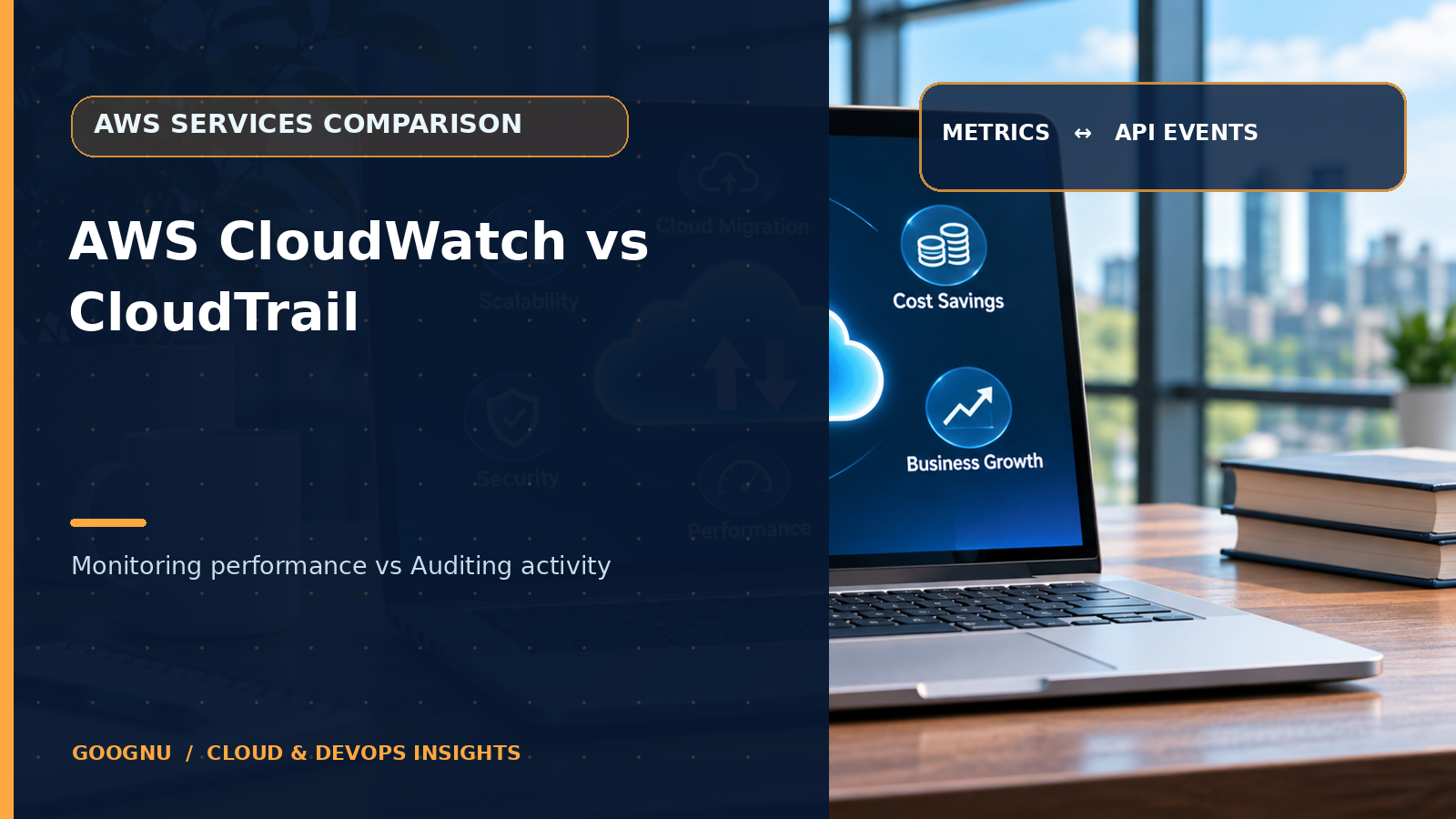
This is where Amazon CloudWatch and AWS CloudTrail become useful. Both services help businesses understand their AWS environments, but they collect different information and solve different problems.
Understanding CloudWatch vs CloudTrail helps businesses choose the right service for monitoring performance, tracking account activity and investigating technical issues.
Two AWS Services, Two Different Questions
Think of an AWS environment as a workplace. CloudWatch works like a monitoring system that checks whether everything is running properly. CloudTrail works like an activity register that records who made changes and when they made them.
Their main purposes are different:
Amazon CloudWatch: Monitors applications, infrastructure and resource performance using metrics, logs, dashboards and alarms.
AWS CloudTrail: Records activity within AWS accounts, including API calls and actions performed through the AWS Management Console, command line tools and SDKs.
For example, if an EC2 instance starts using too much CPU, CloudWatch can help identify the performance problem. If someone changes its configuration, CloudTrail can help establish which account or identity performed that action.
Neither service replaces the other. They provide different information that becomes more useful when examined together.
Amazon CloudWatch: Keeping an Eye on Application Performance
CloudWatch is an AWS monitoring and observability service. It collects operational information from AWS resources and applications, helping teams understand whether their systems are working as expected.
Businesses can use it to monitor infrastructure, investigate application errors and receive alerts when performance changes.
Here are its main features.
Metrics for Tracking Resource Usage
Metrics provide numerical information about how AWS resources are performing. For example, teams can monitor EC2 CPU utilisation, network traffic and other available resource measurements.
Application teams can also create custom metrics to track information that matters to their software.
Suppose an online shopping website receives more visitors during a seasonal sale. The IT team can monitor resource usage and check whether the infrastructure has enough capacity to handle the increase.
Logs for Investigating Application Problems
CloudWatch Logs collects and stores log information from applications, AWS services and supported systems.
Developers can search these logs to find error messages, examine application behaviour and investigate failures.
For example, if a payment application starts returning errors, the team can review its logs to understand what happened around the time of the failure.
Alarms for Responding to Problems
CloudWatch Alarms monitor selected metrics and notify teams when defined conditions are met.
A business might create an alarm when CPU utilisation remains above a particular threshold. The alert can notify the operations team or trigger an automated action through supported AWS integrations.
Dashboards for a Clearer View
CloudWatch Dashboards bring important metrics and monitoring information together in one place.
This helps IT teams review application health without checking every resource separately. They can create dashboards for individual applications, environments or business services.
AWS CloudTrail: Keeping a Record of Account Activity
CloudTrail focuses on recording actions performed within an AWS account. It helps businesses understand who accessed a resource, what action they performed and when the activity took place.
This information is particularly useful for security reviews, compliance checks and investigating unexpected infrastructure changes.
Consider a situation where an important EC2 instance is terminated without warning. CloudWatch may help show the impact on application performance, but the team also needs to find out who terminated it.
CloudTrail provides the activity record needed to investigate that action.
Management Events
Management events record operations that manage AWS resources and accounts. These include actions such as creating an EC2 instance, changing an IAM policy or modifying a security group.
They help administrators review important changes and understand how the AWS environment has been managed.
Data Events
Data events provide information about certain operations performed on or within resources. Examples include supported Amazon S3 object-level actions and AWS Lambda function activity.
These events can be useful when businesses need more detailed visibility into how particular resources are accessed.
However, data events are not automatically included in every trail configuration. Businesses should check which event types they need to record.
Event History and Trails
CloudTrail Event history provides access to recent management events for an AWS account, with a default history of 90 days.
For ongoing records, businesses can configure trails to deliver selected events to Amazon S3. They can also send CloudTrail logs to CloudWatch Logs for monitoring and alerting.
This gives organisations more control over how activity records are stored, reviewed and used.
CloudWatch vs CloudTrail: What Is the Actual Difference?
Although both services support AWS visibility, their information serves different purposes.
Purpose: CloudWatch focuses on application and infrastructure performance. CloudTrail focuses on recording account activity and API operations.
Information collected: CloudWatch collects metrics, application logs and operational data. CloudTrail records events containing details about actions performed within an AWS account.
Main users: Developers, system administrators and operations teams commonly use CloudWatch. Security teams, auditors and cloud administrators often rely on CloudTrail.
Alerts: CloudWatch provides alarms based on metrics and log information. CloudTrail can be connected to services such as Amazon EventBridge and CloudWatch to trigger alerts for selected account activities.
Typical question: CloudWatch helps answer, "Why is my application running slowly?" CloudTrail helps answer, "Who changed the application configuration?"
Main purpose: CloudWatch supports monitoring and troubleshooting. CloudTrail supports auditing, security investigations and activity tracking.
The simplest way to remember the difference is that CloudWatch monitors how your systems are performing, while CloudTrail records what happens within your AWS account.
When Should Your Business Use Each Service?
The choice depends on the problem you want to solve. Here are some common situations where each service is useful.
Use CloudWatch when:
An application is responding slowly or producing errors.
An EC2 instance is using more CPU or memory than expected.
Your team needs alerts when resource usage crosses a defined limit.
Developers want to review application logs.
Operations teams need dashboards to monitor infrastructure health.
Use CloudTrail when:
You need to identify who changed an AWS resource.
Your security team is investigating unusual account activity.
An administrator needs records of changes to access permissions.
Your organisation needs activity records for compliance reviews.
You want to investigate unexpected API calls or resource modifications.
A business running customer-facing applications may need both services. CloudWatch helps maintain application performance, while CloudTrail provides records that help explain changes made to the environment.
Why Using CloudWatch and CloudTrail Together Makes Sense
Consider another example. A company notices that an important application has stopped working shortly after a configuration change.
The operations team starts with CloudWatch and checks the application logs, resource metrics and alerts. This helps establish when the problem started and whether the infrastructure experienced performance issues.
The team then checks CloudTrail to review recent activity. It finds that an administrator changed a security group shortly before the application became unavailable.
By combining the two sources of information, the team can connect the infrastructure problem with the account activity that may have caused it.
Businesses can also configure CloudTrail to send selected logs to CloudWatch Logs. CloudWatch metric filters and alarms can then help identify specific activity patterns and notify the relevant team.
This approach supports faster investigations and gives technical teams a more complete view of their AWS environment.
What Should Businesses Consider Before Setting Them Up?
Enabling these services is only the beginning. Businesses should decide what information they need, how long they want to retain it and who will review it.
Start by identifying important applications and infrastructure. Set up CloudWatch metrics and alarms around meaningful performance requirements rather than creating alerts for every possible change.
For CloudTrail, decide which management and data events need to be recorded. For larger organisations, trails across multiple AWS accounts and regions can provide a more consistent activity record.
Also review storage and monitoring costs. CloudWatch charges can depend on factors such as metrics, logs, alarms and dashboards. CloudTrail costs depend on the features and event volumes used beyond included capabilities.
Goognu UK helps businesses manage AWS environments through cloud consulting and infrastructure services. A well-planned monitoring and auditing setup can help organisations improve operational visibility, investigate problems and manage their cloud resources more effectively.
Frequently Asked Questions
Is CloudWatch the same as CloudTrail?
No. CloudWatch monitors application and infrastructure performance, while CloudTrail records activities and API calls within AWS accounts. Both provide different types of information.
Can CloudTrail monitor EC2 CPU usage?
No. CloudTrail records account activity, such as changes made to an EC2 instance. CloudWatch is the appropriate service for monitoring CPU utilisation and other performance metrics.
Does AWS CloudTrail record all user activity?
CloudTrail records supported AWS account activity, including management and configured data events. It does not automatically record every action performed inside an operating system or application.
Can CloudWatch and CloudTrail work together?
Yes. CloudTrail logs can be sent to CloudWatch Logs, where teams can search activity records, create metric filters and configure alarms for selected events.
Which service should a business enable first?
It depends on the requirement. Businesses concerned about performance should begin with CloudWatch monitoring. Those needing account activity records should configure CloudTrail. Most production AWS environments benefit from using both.