

Two businesses launch new applications on AWS. One runs an online shopping platform, while the other processes large amounts of customer data. Both need computing power, storage and reliable performance, but choosing the same server configuration for both would not make sense.
The shopping platform needs to handle changing visitor numbers, especially during busy sales periods. The data processing application needs enough memory and processing power to work with large datasets. If either business chooses an unsuitable server, it could end up paying for resources it does not need or struggling with poor application performance.
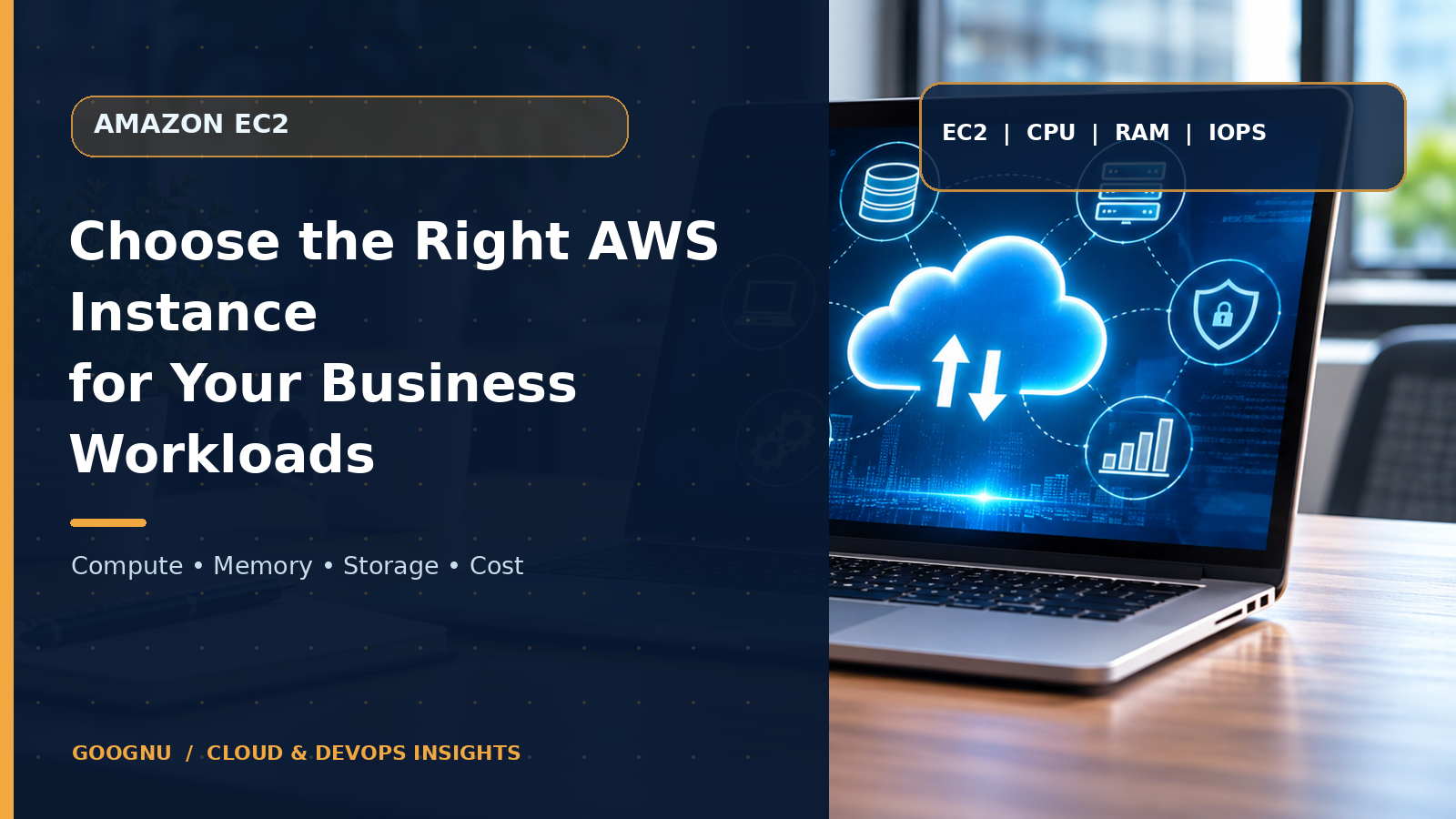
This is why AWS instance selection deserves careful attention. Amazon Web Services offers different EC2 instance types for different workloads. The right choice depends on how your applications use computing resources, how much performance they need and what your business can spend.
First, Understand What Your Workload Actually Needs
Before looking at instance names and specifications, understand the application you plan to run. An instance that works well for a small website may not be suitable for a database or a machine learning application.
Start by looking at four important areas:
CPU requirements: Does the application perform regular calculations, process requests or run complex tasks? CPU usage helps determine how much processing power is needed.
Memory requirements: How much information does the application need to keep available while running? Applications that work with large datasets often need more RAM.
Storage requirements: Does the workload need large storage capacity, fast data access or frequent read and write operations?
Network requirements: Does the application exchange large amounts of data with users, databases or other services? Network performance can affect how quickly information moves between systems.
You should also consider the operating system, application dependencies and expected traffic. These details give you a starting point for comparing AWS instance families.
Match the Workload to the Right EC2 Instance Family
AWS groups its EC2 instances into families according to their hardware capabilities. Each family is designed for particular types of applications.
Instead of choosing an instance because it is popular or familiar, match its strengths with your workload.
General Purpose: For Applications With Balanced Requirements
General purpose instances offer a balance of CPU, memory and networking resources. They are a practical starting point for applications that do not need unusually high processing power or memory.
They are commonly used for:
Websites and web applications.
Application servers and microservices.
Small and medium-sized databases.
Development and testing environments.
For example, a business running an internal employee portal may not need a specialist compute or memory configuration. A general purpose instance could provide the resources required without paying for features the application will not use.
AWS offers several general purpose families, including M, T and certain flexible instance options. The right choice depends on the application's workload and performance pattern.
Compute Optimised: When Processing Speed Matters
Some applications depend heavily on CPU performance. They may run calculations, process large numbers of requests or complete repeated tasks that require significant processing power.
Compute optimised instances are designed for these situations.
They can suit:
Batch processing and data analysis.
Media encoding and video processing.
High-performance web servers.
Scientific calculations and simulations.
Certain gaming and machine learning workloads.
For example, a media company that regularly converts large video files may benefit from a compute optimised instance. Its workload needs strong processing capacity more than unusually large amounts of memory.
The C family is a common starting point when comparing compute optimised options.
Memory Optimised: For Applications That Need More RAM
Some applications slow down when they cannot keep enough information in memory. Databases, analytics platforms and in-memory processing systems can fall into this category.
Memory optimised instances provide larger memory capacity for workloads that work with substantial datasets.
Consider them for:
In-memory databases.
Real-time data analytics.
Large enterprise applications.
Memory-intensive database operations.
Caching systems.
For instance, a business analysing customer activity may need to keep large datasets available for quick processing. A memory optimised instance may suit this requirement better than a general purpose option.
AWS R families are commonly used for memory-intensive workloads.
Storage Optimised: When Data Access Is the Main Concern
Not every application needs more CPU or RAM. Some workloads depend on reading and writing large amounts of data quickly.
Storage optimised instances are designed for applications that need high storage performance and low-latency data access.
They may be suitable for:
High-throughput databases.
Data processing systems.
Large-scale data storage workloads.
Applications with demanding read and write operations.
However, check the difference between local instance storage and Amazon Elastic Block Store (EBS). Local storage is attached to the instance, while EBS provides block storage that can be managed separately. Your data protection and recovery requirements should influence this decision.
Accelerated Computing: For Specialist Processing Tasks
Certain workloads need more than traditional CPU processing. Graphics applications, artificial intelligence workloads and complex calculations may benefit from hardware accelerators such as GPUs.
Accelerated computing instances are designed for these requirements.
They can support:
Machine learning model training and inference.
Graphics rendering.
Video processing.
Scientific and engineering calculations.
These instances can cost more than standard options, so choose them only when the application can make proper use of the available hardware.
Do Not Ignore Instance Size and Processor Choice
Selecting the right family is only the first part of the decision. Each family comes in different sizes, offering different amounts of CPU, memory and other resources.
For example, a workload may fit the general purpose category but still run poorly on an instance that is too small. Choosing a much larger size than necessary can increase costs without providing useful benefits.
AWS instance names also contain information about the family, generation, processor and size. Check the specifications rather than relying on the name alone.
Processor architecture matters as well. AWS offers instances powered by Intel, AMD and its own Graviton processors. Graviton-based instances can offer good price and performance for compatible workloads, but you should check whether your operating system, software and dependencies support the architecture before moving.
How Can You Test an Instance Before Committing?
A specification sheet cannot tell you everything about how an instance will perform with your application. Testing helps you understand what happens under real working conditions.
Start with a smaller suitable instance and run the workload in a test environment. Monitor CPU utilisation, memory usage, storage activity, network traffic and application response times.
Then compare the results with your business requirements.
For example, if CPU usage remains high for long periods, a compute optimised option may be worth testing. If memory pressure causes slow responses, compare a configuration with more RAM.
AWS Compute Optimizer can also provide recommendations based on resource usage. These suggestions can help identify over-provisioned or under-provisioned resources, but they should be reviewed alongside application requirements.
Keep Performance and Cloud Costs in Balance
The most powerful instance is not automatically the best choice. Your aim should be to find a configuration that meets performance requirements without unnecessary spending.
Consider these cost-related points before making a decision:
On-Demand pricing: Useful when workloads are short-term or difficult to predict.
Savings Plans and Reserved Instances: Worth reviewing for workloads with predictable, ongoing usage.
Spot Instances: Can suit flexible tasks that can handle interruptions.
Instance scheduling: Development and testing environments may not need to run outside working hours.
Regular reviews: Application requirements change, so instance sizes should be checked as usage grows.
Remember that the EC2 instance price is only part of the total cost. Storage, data transfer, monitoring and other AWS services can also contribute to your monthly bill.
Make Instance Selection an Ongoing Decision
A configuration that works well today may not be suitable six months later. Your customer base may grow, applications may change and data processing requirements may increase.
Goognu UK supports businesses with AWS consulting and cloud management, helping them assess infrastructure requirements and make informed cloud decisions. Reviewing workload behaviour, testing suitable configurations and monitoring resource usage can help businesses choose instances that meet their technical and financial needs.
The best approach is to understand the application first, compare the relevant EC2 families, test performance and review costs regularly. With careful AWS instance selection, businesses can make better use of their cloud resources while keeping applications responsive and reliable.
Frequently Asked Questions
What is an AWS EC2 instance?
An Amazon EC2 instance is a virtual server in AWS. It provides computing resources such as CPU, memory, storage and networking to run applications, websites, databases and other workloads.
Which AWS instance is best for a website?
General purpose instances are often a suitable starting point for websites and web applications. The final choice depends on visitor numbers, application design, memory usage and processing requirements.
What is the difference between general purpose and compute optimised instances?
General purpose instances balance CPU, memory and networking resources. Compute optimised instances provide proportionally more processing power and are designed for CPU-intensive applications.
Can I change my AWS instance type later?
Yes. You can change an EC2 instance type when the workload needs different resources, subject to compatibility and operational requirements. Plan the change carefully and test the application afterwards.
How can I reduce AWS EC2 costs?
Review resource usage, remove unused instances, choose suitable instance sizes and compare available pricing options. AWS Compute Optimizer can also help identify opportunities to improve resource use.